Video and Photo Download
Micro SD card copy
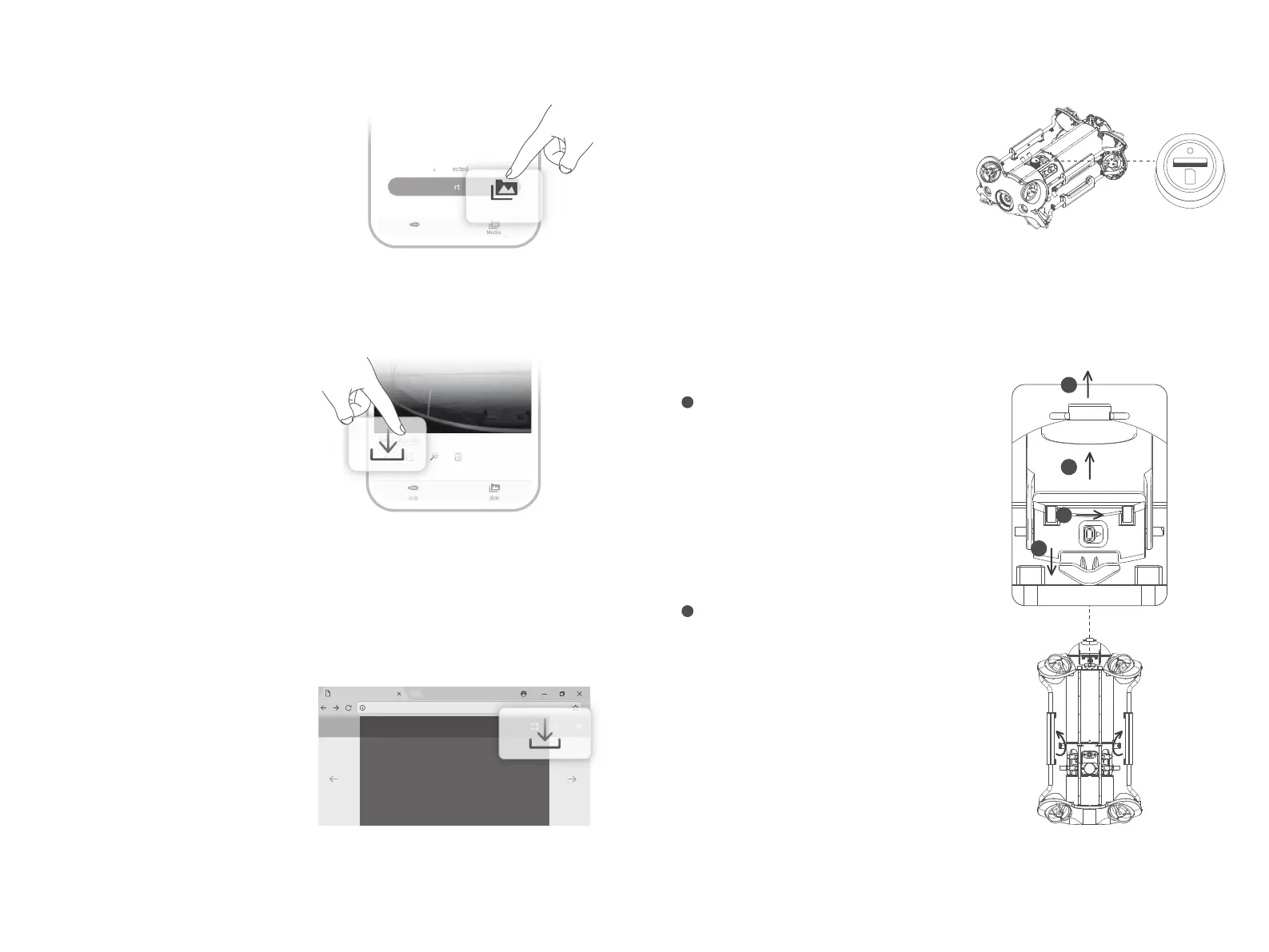
1 )R emove the cover on the micro SD card socket
counter clockwise, then open the waterproof
rubber plug,and gently press the micro SD card.
It will pop up automatically, then remove the micro
SD card.
2 )R ead the micro SD card in a Card reader, and copy
the images with computer.
3 )I nsert the micro SD card back to the micro SD card
socket after copying the images, press gently to
ensure the micro SD card and waterproof rubber
plug are locked, and tighten the cover clockwise downward.
Disassemble and Install the
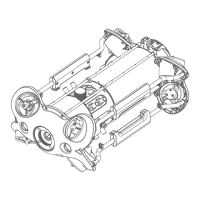
Battery compartment
1 )T urn the knobs on both sides of the fuselage 90°
to the shallow card slot;
2 )T urn the switch ① on the slider to the left, and
pull the lock assembly upwards while holding
the chute ②;
3 ) P ull the lower sides of the pressure plat③, by
hand, pull down to deform the pressure plate ③,
and make the buckle come off the rear bracket.
4 )P ull the Battery compartment slowly to pull it out.
a Disassemble:
1 )R otate the knobs on the both sides of the fuselage
90 ° to the deep card slot;
2 )S lowly install the Battery compartment along the
chute under the fuselage. Press down hard until
you hear a "click" sound, and the knobs close in
place.
3 )P ull the lower sides of the Pressure Plate by hand,
pull down to deform the Pressure Plate ③, make
the buckle fasten on the rear bracket;
4 )P ress down firmly on the chute of the locking
assembly. When you hear a “click” sound, the
buckle is snapped into place properly, then the
installation is complete.
b Install:
* Warning:1. Before removing or installing the micro SD card, please switch remote controller power button
to off, and wipe off the water on the ROV;
2. Check the O-ring on the tether connector, please be sure the O-ring cannot be squeezed out
when tightening the cover. If it is missed or damaged, please replace it in time.
Download to Phone/Tablet
1)Refer to Step 4 to connect the remote
controller to your phone/tablet.
2 )O pen CHASING GO1 App, click the Media
button in the lower right corner.
3 )F ind the video/photo that you want to
download. Click the download button and
the image will be saved directly to the
phone/tablet's photo album (Download
folder).
1)Open the web browser and type IP ad-
dress:192.168.1.88
2)Find the video/photo that you want to
download. Click the download icon and
save, then the images will generally save
in the Download folder.
3 )I t is recommended to use Firefox or Google
Chrome browser for better experience.
Download to Computer
(laptop or the computer which could use Wi-Fi)
Media
Not secure | 192.168.1.88
1/11
Connected
Start
Device Media
Media
3
4
1
2


 To Next Page