EasyManua.ls Logo

Chauvet Colorrail IRC - User Manual

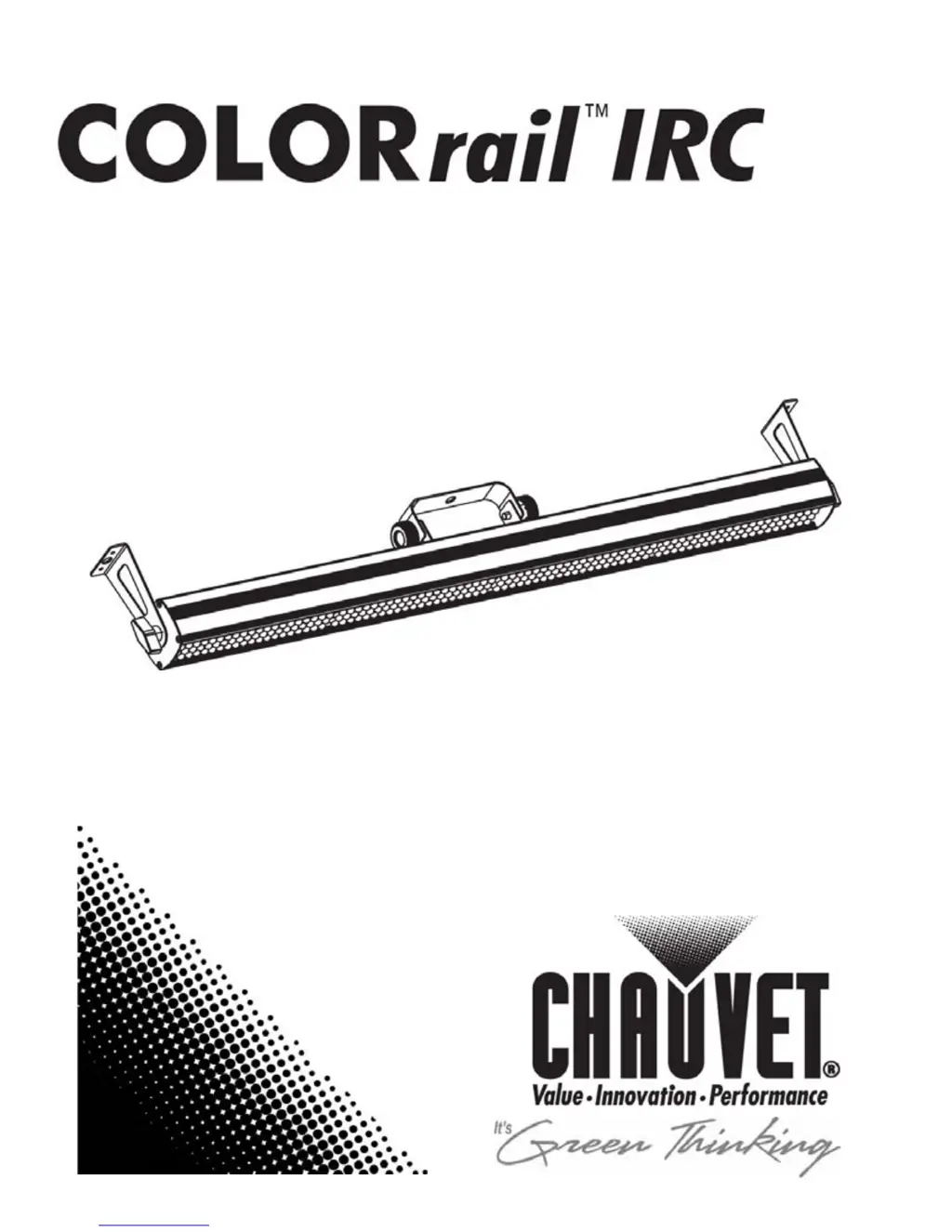
Chauvet Colorrail IRC
22 pages
Print Icon
To Next Page IconTo Next Page
Loading...
User Manual

Other manuals for Chauvet Colorrail IRC

Questions and Answers

  • D
    Derek HarrisonJul 26, 2025
    What to do if my Chauvet Lighting Equipment product does not power up?
    • B
      beckyarmstrongJul 27, 2025
      If your Chauvet Lighting Equipment product does not power up, there are several things you can check: * First, verify that the power outlet is working. * Next, inspect the power cord for any damage or loose connections. * Also, a blown fuse could be the cause, so replace it with a new one of the same type and rating. If none of these steps resolve the issue, it might be an internal problem, and you should send the product for repair.
  • B
    Bruce OrtegaAug 3, 2025
    Why does the circuit breaker keep blowing in my Chauvet Lighting Equipment?
    • B
      Barbara BarrAug 3, 2025
      A circuit breaker or fuse might be blowing in your Chauvet Lighting Equipment due to: * An excessive load on the circuit. Ensure the total load does not exceed 80% of the breaker or fuse's nominal current. * A short circuit along the power lines. Inspect the power lines and power cords for any issues.
  • M
    Mark KingAug 10, 2025
    How to fix a Chauvet Lighting Equipment fixture that does not respond to DMX?
    • W
      Whitney CharlesAug 10, 2025
      If your Chauvet Lighting Equipment fixture isn't responding to DMX, consider these potential causes: 1. The starting address on the fixture might be incorrect. Set the correct starting address. 2. The DMX personality on the fixture could be wrong. Ensure you set the correct DMX fixture’s personality. 3. The polarity setting on the DMX controller might be off. Try changing the signal polarity on the controller. 4. A loose or damaged DMX cable could be the issue. Check the DMX cable before the unit. If none of these solutions work, the issue might be internal, requiring you to send the product in for repair.
  • U
    ugriffinAug 18, 2025
    What causes intermittent DMX problems in Chauvet Lighting Equipment?
    • A
      Alexandria BoydAug 18, 2025
      Intermittent DMX problems with Chauvet Lighting Equipment can arise from several factors: * The use of non-DMX compatible signal cables. Replace them with true DMX cables. * Interference from AC or radio signals. Keep DMX cables away from AC wires or radio equipment. * An excessively long DMX cable. Install an optically coupled DMX amplifier right before the fixture experiencing problems. * Connecting too many fixtures. Install an optically coupled DMX amplifier after unit #32. * A missing terminator. Install a terminator, as indicated in the “DMX Primer” section.

Summary

Before You Begin

What is Included

Lists all components that come with the product upon purchase.

Unpacking Instructions

Guidance on how to safely unpack the product and check for damage.

Text Conventions

Explains special text formatting and symbols used in the manual.

Icons

Explains the meaning of various icons used for warnings and notes.

Safety Notes

General Safety Precautions

Critical safety advice for installation, usage, and maintenance of the fixture.

Introduction

Product Overview

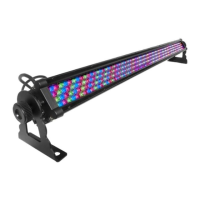
Visual representation and identification of the fixture's main components and ports.

Setup

AC Power Connection

Instructions for connecting the fixture to a suitable electrical power outlet.

Power Linking

Procedures for connecting multiple fixtures together to share power.

Installation and Rigging

Mounting

Guidance on how and where to physically attach the fixture.

Orientation

Information on the proper positioning and placement of the fixture.

Rigging

Instructions for securely rigging the fixture for safe operation.

Operation

Control Panel & Menu Map

Overview of the fixture's control panel buttons and menu structure.

DMX Configuration

Steps to set up the fixture for DMX control, including starting address.

Standalone and Sync Modes

Using Sound Active, Automatic, Wireless Remote, and Master/Slave modes.

Program and Color Control

Selecting built-in programs, static colors, and remote control operations.

IRC Remote Control Operations

Remote Control Functions

Detailed guide on using the infrared remote for various modes and effects.

DMX Channel Assignments

26-Channel Mode

Detailed breakdown of DMX channels for 26-channel mode operation.

14-Channel Mode

Detailed breakdown of DMX channels for 14-channel mode operation.

7-Channel Mode

Detailed breakdown of DMX channels for 7-channel mode operation.

4-Channel Mode

Detailed breakdown of DMX channels for 4-channel mode operation.

3-Channel Mode

Detailed breakdown of DMX channels for 3-channel mode operation.

2-Channel Mode

Detailed breakdown of DMX channels for 2-channel mode operation.

Technical Information

General Maintenance

Instructions and tips for cleaning and maintaining the fixture's performance.

General Troubleshooting

Common problems, their causes, and corrective actions for the fixture.

Returns and Claims

Returns Procedure

Steps and requirements for returning the product for service or repair.

Claims Process

Procedures for reporting and resolving shipping or product damage claims.

Contact Information

Contact details for CHAUVET headquarters and European office.

DMX Primer

Starting Address Explained

Explanation of how DMX starting addresses work and their importance.

Fixture Linking (Daisy Chain)

How to connect multiple fixtures in a DMX chain.

DMX Cabling and Connectivity

DMX Cabling Details

Information on DMX cable types, connectors, and construction.

Technical Specifications

Dimensions and Weight

Physical measurements and weight of the COLORrail™ IRC fixture.

Power Specifications

Electrical requirements, consumption, and power connector types.

Light Source, Optics, and Thermal

Details on LEDs, optics, lifespan, and operating temperature.

DMX and Ordering Information

DMX interface details and product ordering codes.

Chauvet Colorrail IRC Specifications

General IconGeneral
TypeLED Flood Light
Power Consumption60W
Light SourceLED
PWM Frequency1.2 kHz
Input Voltage100-240VAC, 50/60Hz
Power and Current60W, 0.5A
Housing MaterialAluminum
IP RatingIP65
Control ProtocolDMX512
Voltage100-240VAC
ControlDMX
Coverage Angle120°
Operating ModesSound Active
Operating Temperature-20 to 40 °C

Related product manuals