EasyManua.ls Logo

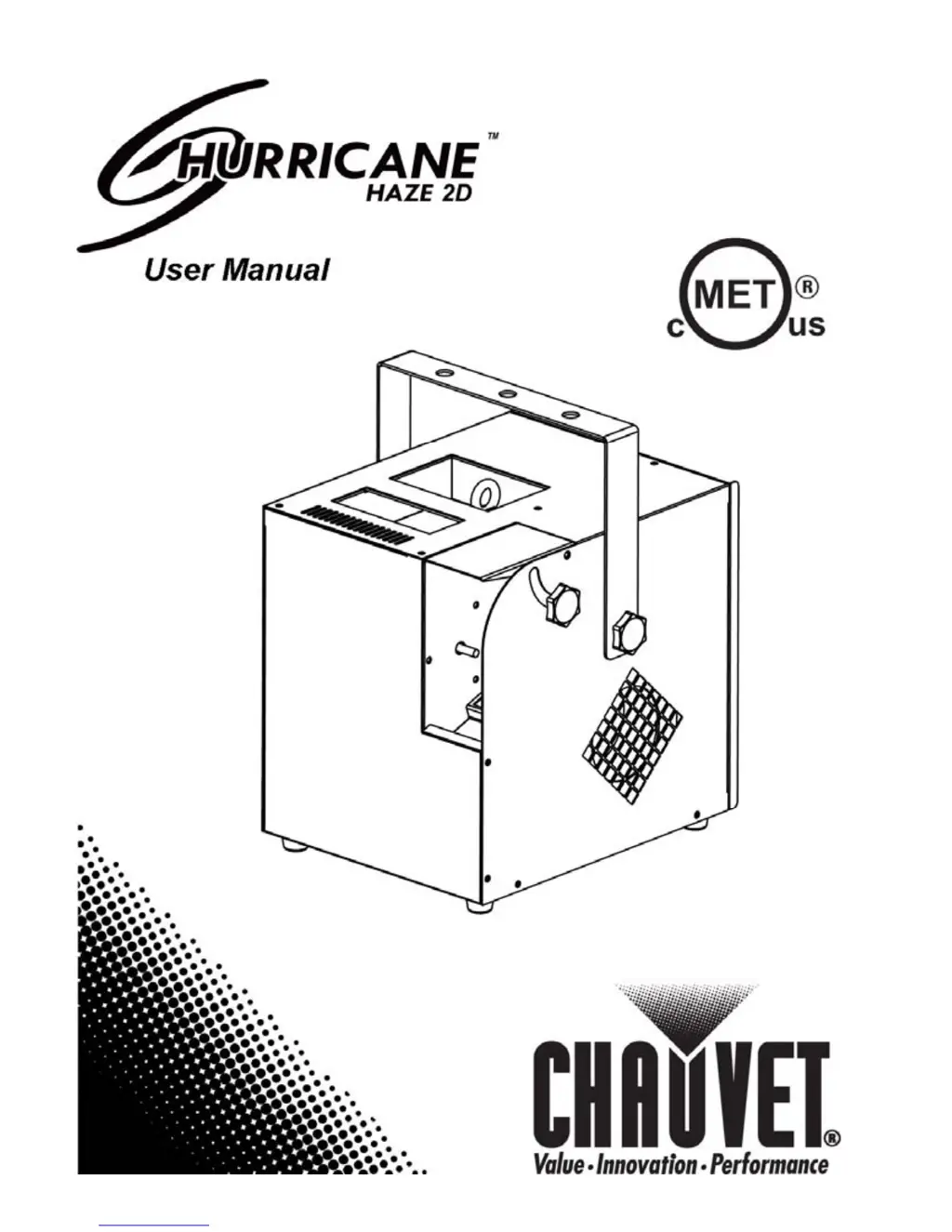
Chauvet Hurricane Haze 2D - User Manual

Chauvet Hurricane Haze 2D
16 pages
Print Icon
To Next Page IconTo Next Page
Loading...
User Manual

Other manuals for Chauvet Hurricane Haze 2D

Questions and Answers

  • M
    Mark SmithJul 26, 2025
    What to do if Chauvet DJ Equipment does not power up?
    • A
      anna54Jul 26, 2025
      If your Chauvet DJ Equipment isn't powering on, there are several things to check: * First, make sure the power outlet is working. * Next, inspect the power cord for any damage or looseness. * Also, a blown fuse could be the culprit, so replace it with a new one of the same type and rating. * If none of these steps work, there may be an internal problem, and the product should be sent for repair.
  • G
    George SheaAug 1, 2025
    Why does the circuit breaker keep blowing with my Chauvet DJ Equipment?
    • M
      Mark PattersonAug 1, 2025
      If the circuit breaker or fuse keeps blowing when using your Chauvet DJ Equipment, it could be due to a couple of reasons: * There might be an excessive load on the circuit. To resolve this, ensure that the total load does not exceed 80% of the breaker or fuse's nominal current. * Alternatively, there could be a short circuit along the power lines. In this case, you should check the power lines and power cords for any issues.
  • A
    amy19Aug 7, 2025
    What to do if Chauvet DJ Equipment does not respond to DMX?
    • B
      bryantangelicaAug 8, 2025
      If your Chauvet DJ Equipment isn't responding to DMX, consider the following: * Verify that the starting address on the product is correct and adjust if needed. * Confirm that the DMX personality setting on the product is correct. * Check the DMX controller for the correct polarity setting; try changing it. * Inspect the DMX cable before the unit for any looseness or damage. * If problems persist, the unit may have an internal problem requiring repair.
  • E
    Emily SantanaAug 13, 2025
    How to fix intermittent DMX problems with Chauvet DJ Equipment?
    • R
      Randy AndersonAug 13, 2025
      Experiencing intermittent DMX issues with your Chauvet DJ Equipment? Here's what you can do: * Ensure you are using DMX-compatible cables, and replace any non-DMX cables. * Keep DMX cables away from AC wires or radio equipment to avoid interference. * If the DMX cable is too long, install an optically coupled DMX amplifier right before the product experiencing issues. * If you have many products connected, install an optically coupled DMX amplifier after unit #32. * Check if a terminator is needed, and install one as indicated in the “DMX Primer” section.
  • D
    Debbie WilliamsAug 20, 2025
    What to do if my Chauvet DJ Equipment does not power up?
    • N
      Nicholas DeanAug 20, 2025
      If your Chauvet DJ Equipment isn't powering up, here are a few things to check: * First, make sure the power outlet is working by testing it or trying another outlet. * Inspect the power cord for any damage or looseness. * Also, a blown fuse could be the culprit, so replace it with a new one of the same type and rating. * If none of these steps work, there may be an internal problem, and you should send the product in for repair.

Summary

Document Information

Safety Notes

Crucial safety precautions for installation, usage, maintenance, and environmental considerations.

Setup

AC Power

Details voltage compatibility, power connection, and grounding requirements for safe operation.

Fuse Replacement

Step-by-step instructions for safely replacing a blown fuse.

Mounting

Rigging

Guidelines for securely mounting the unit, including using safety cables and appropriate rigging points.

Operation

Control Panel Operation

Instructions on using the physical buttons on the control panel to navigate modes and settings.

Configuration (DMX)

Steps to configure the unit for control via a DMX controller.

Starting Address

How to set the DMX starting address to ensure proper communication with a controller.

Configuration (Standalone Mode)

Technical Information

General Maintenance

Recommended cleaning procedures to maintain the unit's performance and longevity.

General Troubleshooting

DMX Primer

DMX Cabling

Technical Specifications

Power

Lists electrical specifications, including voltage, consumption, and fuse requirements.

Chauvet Hurricane Haze 2D Specifications

General IconGeneral
TypeHaze Machine
ControlDMX
Power Consumption600 W
Voltage100-240V
DMX Channels2

Related product manuals