EasyManua.ls Logo

Chauvet Stage Designer 50 - User Manual

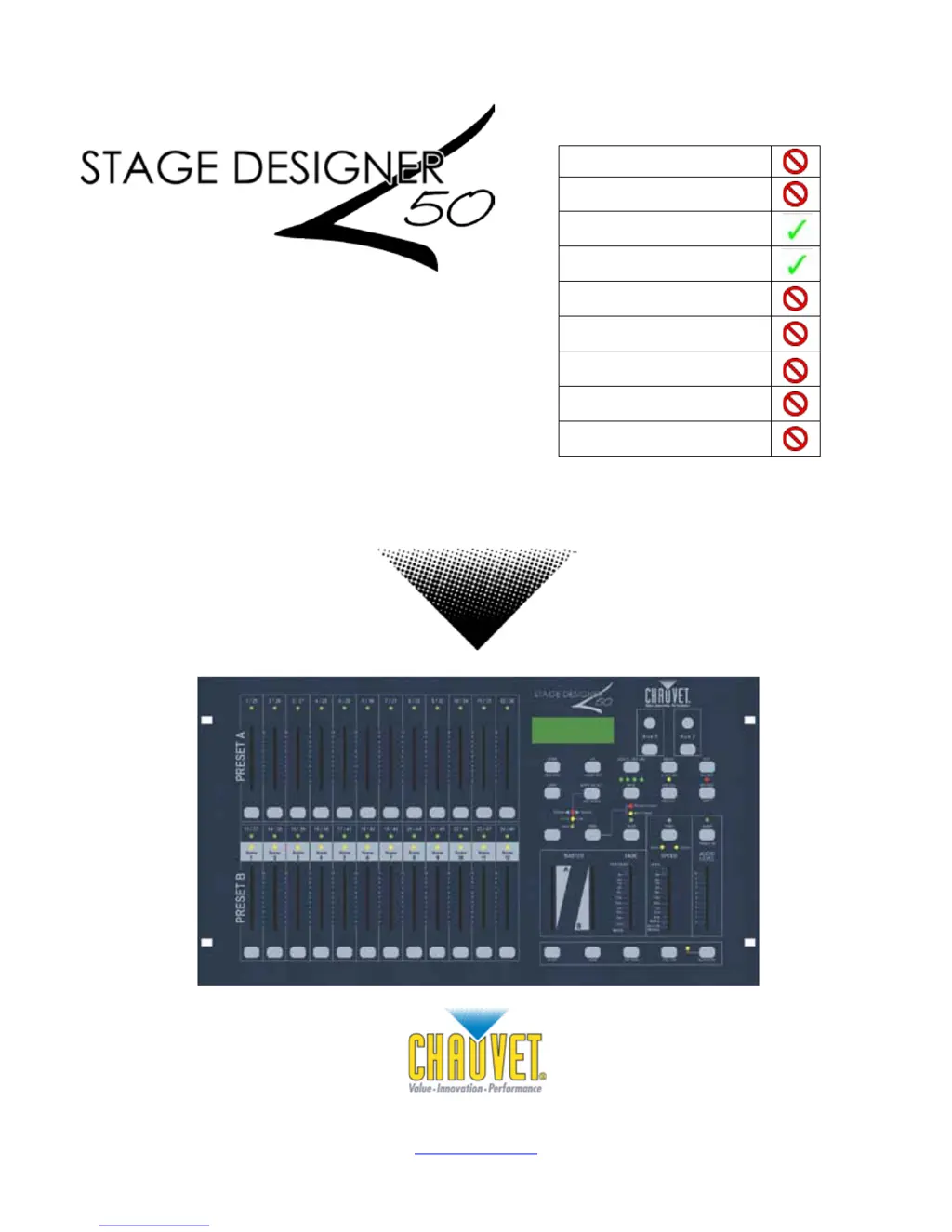
Chauvet Stage Designer 50
24 pages
Print Icon
To Next Page IconTo Next Page
Loading...
Chauvet, 5200 NW 108th Avenue, FL 33351
(800) 762-1084 (954) 929-1115
FAX (954) 929-5560
www.chauvetlighting.com
User Manual
Snapshot
Use on Dimmer
Outdoor Use
Sound Activated
DMX
Master/Slave
115 V / 230 V Switch
Replaceable Fuse
User Serviceable
Duty Cycle

Questions and Answers

Summary

1. BEFORE YOU BEGIN

Safety Instructions

Provides critical safety warnings for installation and operation.

3. OPERATING INSTRUCTIONS

Setup

Instructions for setting up the Stage Designer 50 system.

4. PROGRAMMING

Entering Record Mode (Record Enable)

Steps to activate the controller's programming mode.

Create a Scene

Procedure for recording a static lighting state (scene).

Edit Enable

How to enter edit mode to modify existing scenes or programs.

Erase a Program

Instructions for deleting a specific recorded program.

Erase all Scenes

Procedure to reset all stored scenes to factory defaults.

Record Clear

How to clear scenes stored in temporary memory.

5. PLAYBACK

Playing a Scene

Steps to recall and execute recorded scenes.

MIDI Operation

Setting MIDI IN

Configuring the MIDI channel for receiving external MIDI commands.

Setting MIDI OUT

Configuring the MIDI channel for transmitting MIDI commands.

6. APPENDIX

General Troubleshooting

Common symptoms and solutions for operational issues.

Chauvet Stage Designer 50 Specifications

Power IconPower
supplied voltage adapterDC 12 V, 500 mA
adapter voltage range100~240 VAC, 50/60 Hz
internal fuseF 0.5 A, 250 V
Operating Environment IconOperating Environment
maximum ambient temperature104° F
Weight and Dimensions IconWeight and Dimensions
length19 in
width10.5 in
height3.5 in
weight10.3 lbs

Related product manuals