Restoring Factory Defaults
50 | Check Point 4000 Appliances Getting Started Guide
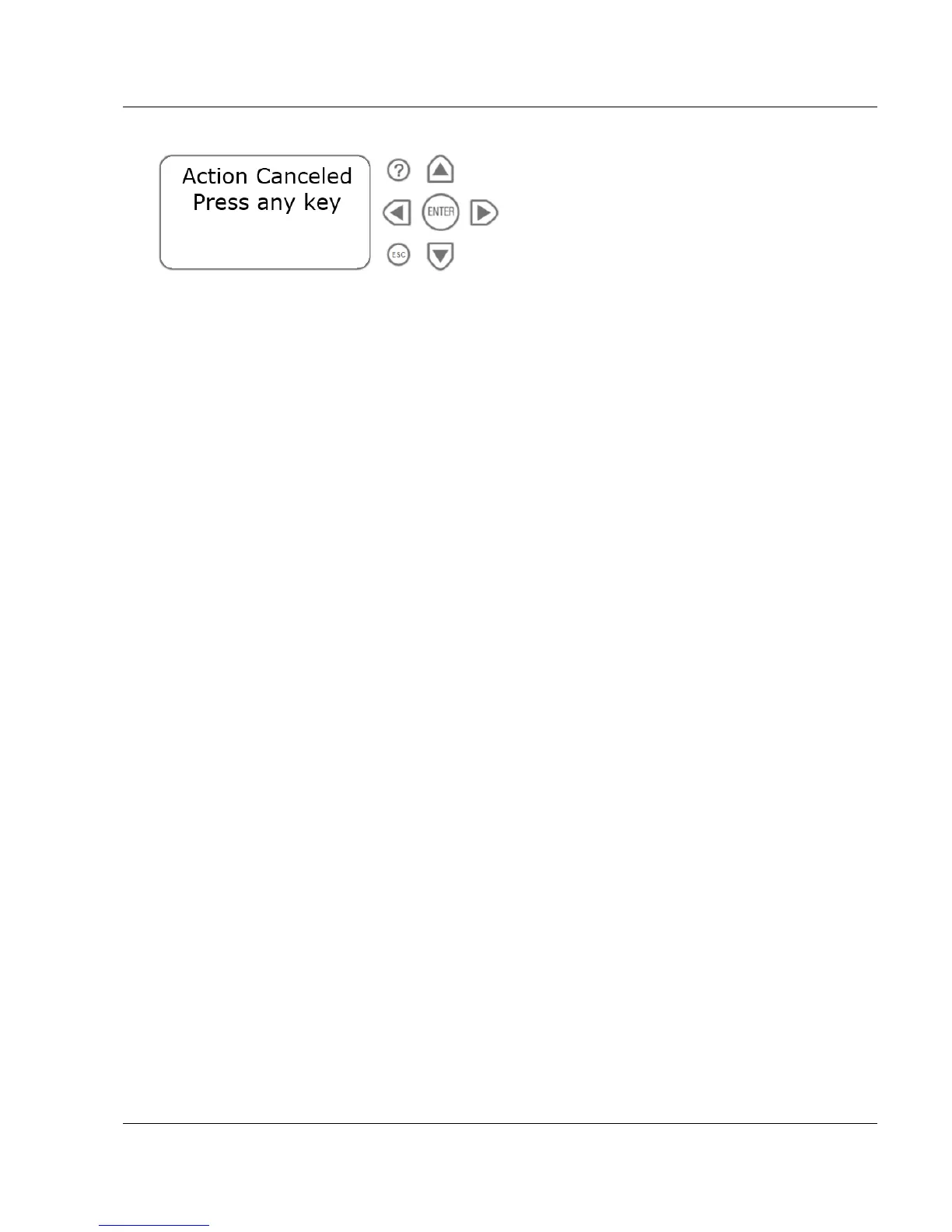
Pressing any other button causes the Action Canceled message to display:
At this point, pressing any key returns you to the boot menu.
6. Once you have confirmed the reset, wait for the appliance to restore the factory image.
While the appliance is restored to the default image, this message is continuously
displayed: Reverting image don't turn off.
After the appliance is restored to its default factory configuration, the appliance reboots and
the initializing message appears.






 To Next Page