5
When timer ends, carefully
remove food, check for
doneness, serve, and enjoy!
CAUTION: Unit and accessories get
hot during cooking. Use oven mitts
and fetch tool to avoid injury and
place hot items on heat resistant
surface.
STEP 4
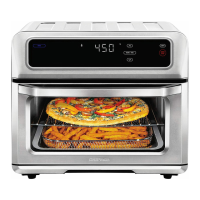
Select cooking function:
Bake, Air Fry, or Dehydrate.
To use cooking presets, press
the icon that best matches
what you want to cook.
Otherwise adjust time and
temperature as desired using
TEMP/TIME button and plus
and minus signs.
Press the START button.
STEP 3
(If cooking with the basket or spit,
press Rotate button after START.)


 To Next Page
