10
Congratulations ...
CHERRY has developed and produced
innovative input systems for computers
since 1967. You can now experience the
difference in quality, reliability and design
with your new favorite accessory.
Always insist on original CHERRY products.
For information on other products,
downloads and much more, visit us at
www.cherry.de.
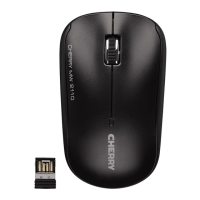
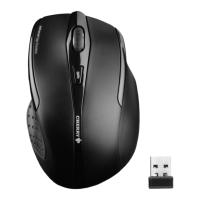
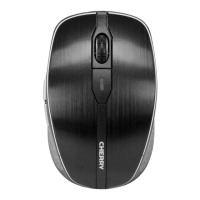
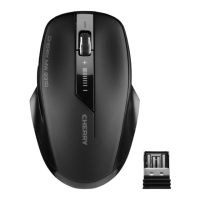
Your CHERRY MW 2310 stands out
especially due to the following features:
• Extremely low power consumption
• Nano USB receiver with up to 10 m range
• Infrared sensor with adjustable resolution
for precise work with the DPI switch on
the top of the mouse (1000/1500/2000 dpi)
• You can configure the mouse buttons
using KeyM@n software (as a free
download at: www.cherry.de >
Help & Support > Downloads >
CHERRY MW 2310)
1 Adjusting the sensitivity
of the mouse
(dpi number)
You can change the resolution of the mouse
sensor between 1000, 1500 and 2000 dpi for
precise work.
• Briefly press the + and – button on the top
of the mouse.
The LED flashes depending on the setting:
1x = 1000 dpi (default)
2x = 1500 dpi
3x = 2000 dpi
OPERATING MANUAL


 To Next Page