13
1 General safety
instructions
WARNING: Risk of choking from
swallowing small parts
• Keep the device out of the reach of
children under 3 years.
CAUTION: Danger of explosions
due to incorrect or incorrectly
inserted battery
• Only use batteries of the type named in
the technical data.
• Insert the batteries in accordance with
the markings (+/-) in the battery
compartment.
2 Connecting the mouse
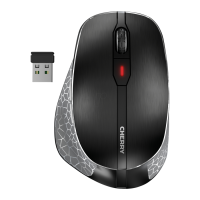
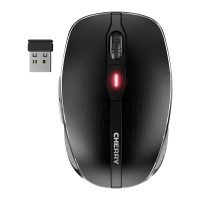
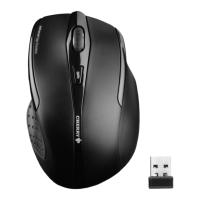
1 Connect the receiver to a USB port on the
PC or laptop.
2 Insert batteries into the mouse.
3 Set the switch on the bottom of the mouse
to ON.
The mouse LED flashes for about 9 seconds
and the mouse is connected to your PC/
laptop.
If the mouse does not work, the connection
has failed.
• Establish a new connection to the receiver
(see 4.6 "Troubleshooting").
The mouse is ready to use
without installing any software.
• Use the receiver on a USB 2.0
connection if possible.
6440583-09_DE-EN-FR-ES-IT-NL_MW3000.fm Seite 13 Sonntag, 13. Januar 2019 10:49 22


 To Next Page