14
3 Adjusting the sensitivity
of the mouse (DPI
number)
You can adjust the resolution of the sensor
according to your needs.This changes the
speed of the mouse pointer.
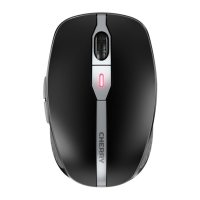
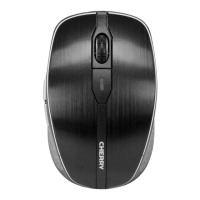
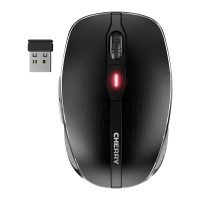
• Press the DPI button on the top of the
mouse.
The LED flashes depending on the setting:
1x = 1000 dpi
2x = 1750 dpi
The setting is saved in the mouse and is
retained even when the mouse is switched
off.
4 Tips
4.1 Surface under the mouse
A bright, structured surface under the
mouse increases the efficiency of the mouse
and ensures optimum detection of
movement.
A reflective surface is not suitable for use
under the mouse.
4.2 Energy-saving shutdown
If, for instance during transport, a mouse
button is pressed for longer than 3 minutes,
the mouse switches off automatically.
To reactivate the mouse, turn the switch off
(OFF) and on (ON) again.
6440583-09_DE-EN-FR-ES-IT-NL_MW3000.fm Seite 14 Sonntag, 13. Januar 2019 10:49 22


 To Next Page