Driving and Operating 9-31
Driving should be adjusted
accordingly. Press and release
the TCS/StabiliTrak button again to
turn the system back on.
It may be necessary to turn the
system off if the vehicle gets stuck
in sand, mud, or snow and rocking
the vehicle is required. See If the
Vehicle Is Stuck on page 9‑9. See
Winter Driving on page 9‑7 for
information on using TCS when
driving in snowy or icy conditions.
If cruise control is being used when
TCS activates, cruise control will
automatically disengage. Press the
appropriate cruise control button to
reengage when road conditions
allow. See Cruise Control on
page 9‑33.
Adding accessories can affect the
vehicle performance. See
Accessories and Modifications on
page 10‑3.
StabiliTrak
®
System
The vehicle has a vehicle stability
enhancement system called
StabiliTrak. It is an advanced
computer controlled system that
assists with directional control of the
vehicle in difficult driving conditions.
StabiliTrak activates when the
computer senses a difference
between the intended path, and
the direction the vehicle is actually
traveling. StabiliTrak selectively
applies braking pressure at any one
of the vehicle's brakes to help steer
the vehicle in the intended direction.
StabiliTrak is on automatically
whenever the vehicle is started. To
assist with directional control of the
vehicle, the system should always
be left on.
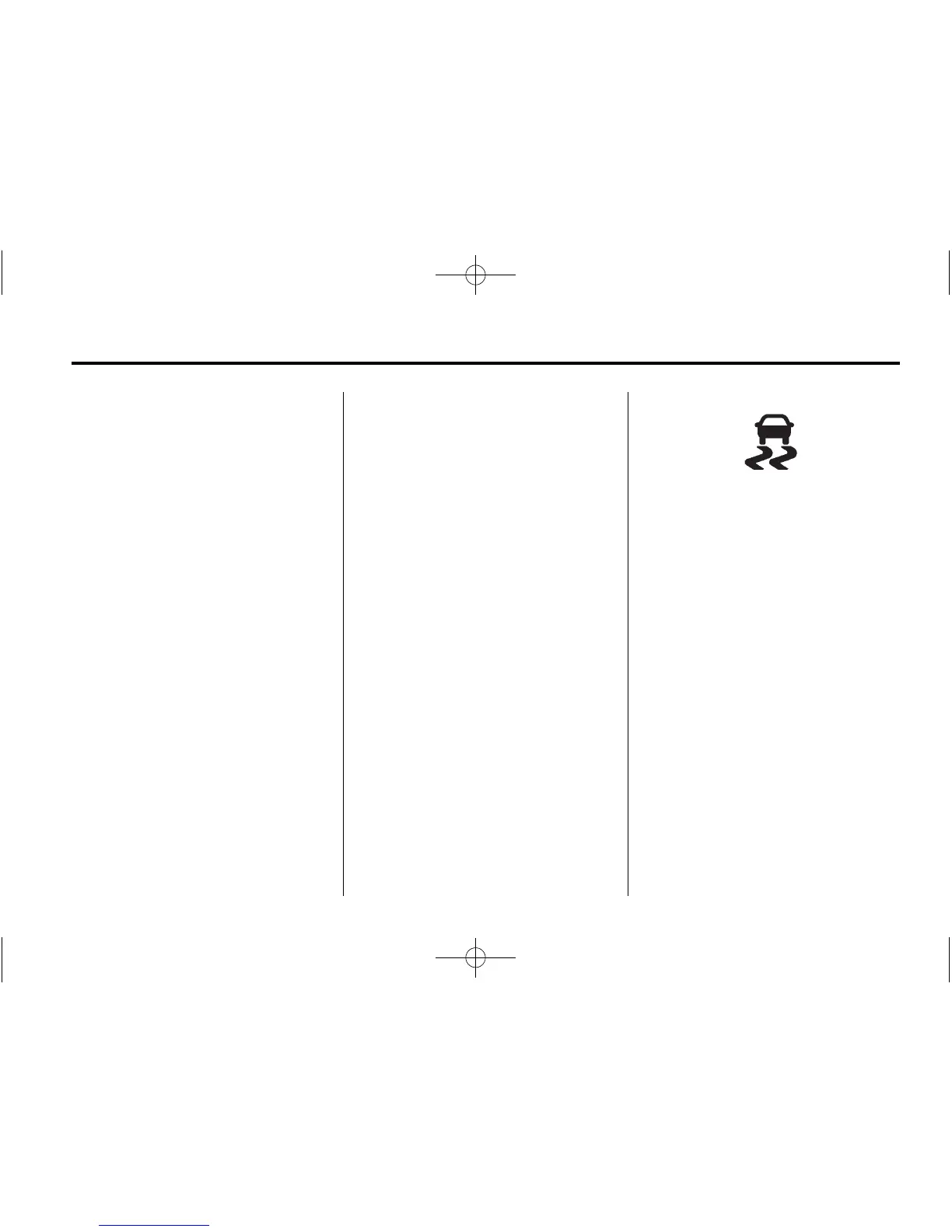
TCS/StabiliTrak Light
When the stability control system
activates,
d flashes on the
instrument panel. This also occurs
when traction control is activated.
A noise may be heard or vibration
may be felt in the brake pedal. This
is normal. Continue to steer the
vehicle in the intended direction.
If there is a problem detected with
StabiliTrak, a message is displayed
on the Driver Information Center
(DIC). See Vehicle Messages on
page 5‑27. When this message is
displayed and/or
d comes on and
stays on, the vehicle is safe to drive
but the system is not operational.
Driving should be adjusted
accordingly.











 To Next Page