Infotainment system 109
◆ Joliet: Maximum of 64 characters
(one byte).
◆ Windows long file name:
maximum of 28 characters
(one byte).
■ This product can play MP3 files
which use VBR. When a VBR type
MP3 file is being played, the
remaining time displayed may be
different from the actual time
remaining.
Main buttons/Control knob
The following main buttons and
controls are used to play USB music
files:
(9) CD/AUX button
Press the button repeatedly when the
USB device is connected to select the
USB play mode.
(14) MENU-TUNE button with control
■ Turn the control knob to move to the
track list, menu or MP3 (WMA)
track information.
■ Press the button to display the
menu screen provided by the
current item or current mode.
(8) dSEEKc buttons
■ Press these buttons to play the
previous or next track.
■ Press and hold these buttons to
rewind or fast-forward, and then
release to play at normal speed.
(7) INFORMATION [INFO] button
Display the information of the track
being played.
(16) P BACK button
Cancel the input item or return to the
previous menu.
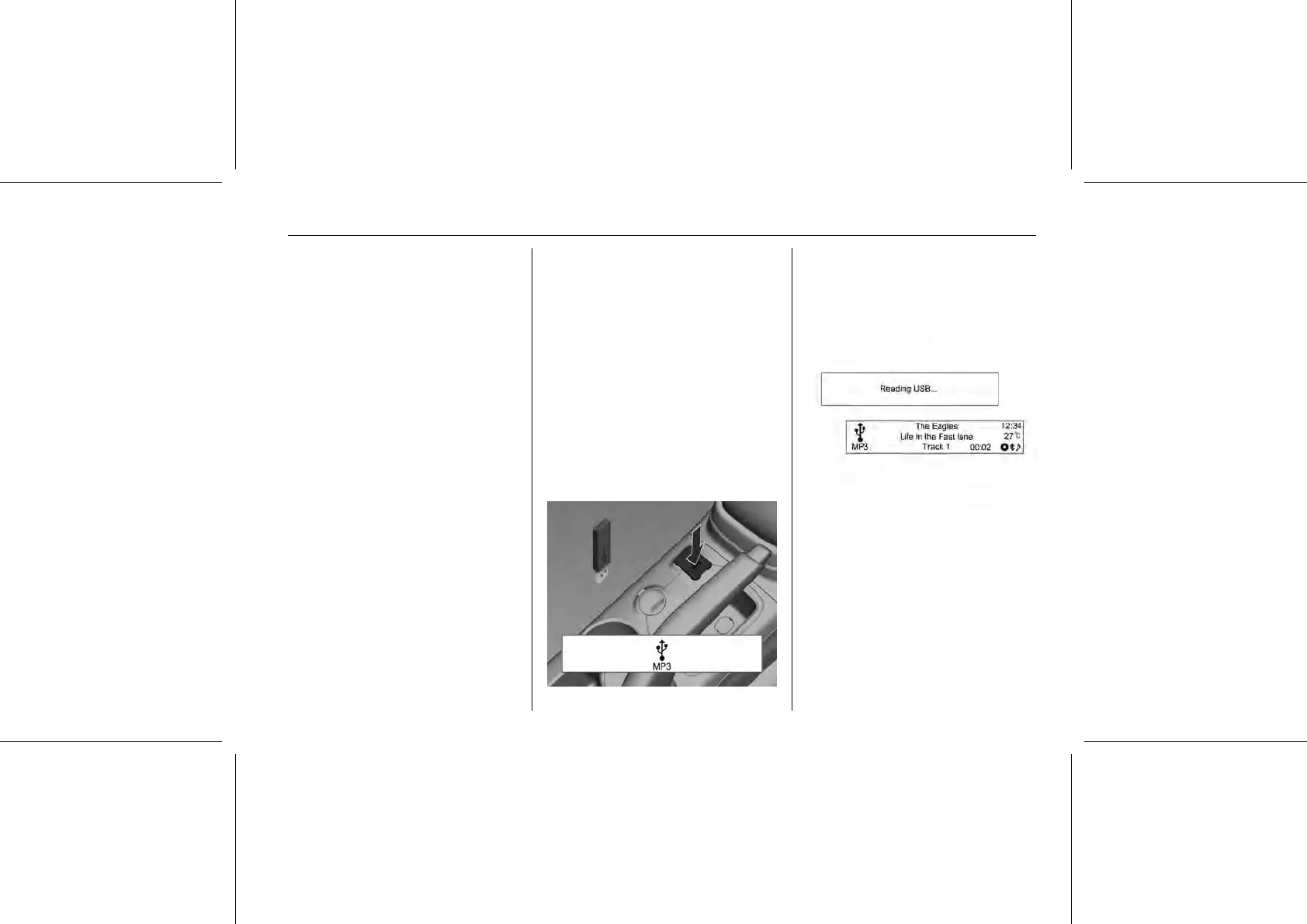
Connecting the USB storage device
Below the instrument panel is a
connection port for the USB storage
device with music files to be played to
the USB connecting terminal.
■ Once the product finishes reading
the information on the USB storage
device, it will automatically play.
■ If a non-readable USB storage
device is connected, then an error
message will appear and the















 To Next Page