Infotainment system 115
■ If there is already a Bluetooth®
device connected to the
Infotainment system, the
Bluetooth® is Busy message will
appear.
■ Connection standby will be
displayed with a message and a
security code. (The initial value is
0000, and can be changed from
System Configuration →
Bluetooth® Settings → Bluetooth®
→ Change Bluetooth® Code.)
The Infotainment system can be
found by searching the Bluetooth®
device to-be-connected.
Enter the security code for the
Infotainment system through the
Bluetooth® device.
If the registration of device to be
connected to the Infotainment system
is successful, then the screen will
display the information of the
Bluetooth® device.
■ The Infotainment system can
register up to five Bluetooth®
devices.
■ In some Bluetooth® devices, it is
only possible to use it when
"Always connect" item is set.
Connecting/Deleting/Separating the
Bluetooth® Devices
Caution
If there is a Bluetooth device
already connected, that device
needs to be disconnected first.
Firstly, set up the Bluetooth® device
to be connected from the Bluetooth®
setup menu to enable other devices
to search for the Bluetooth® device.
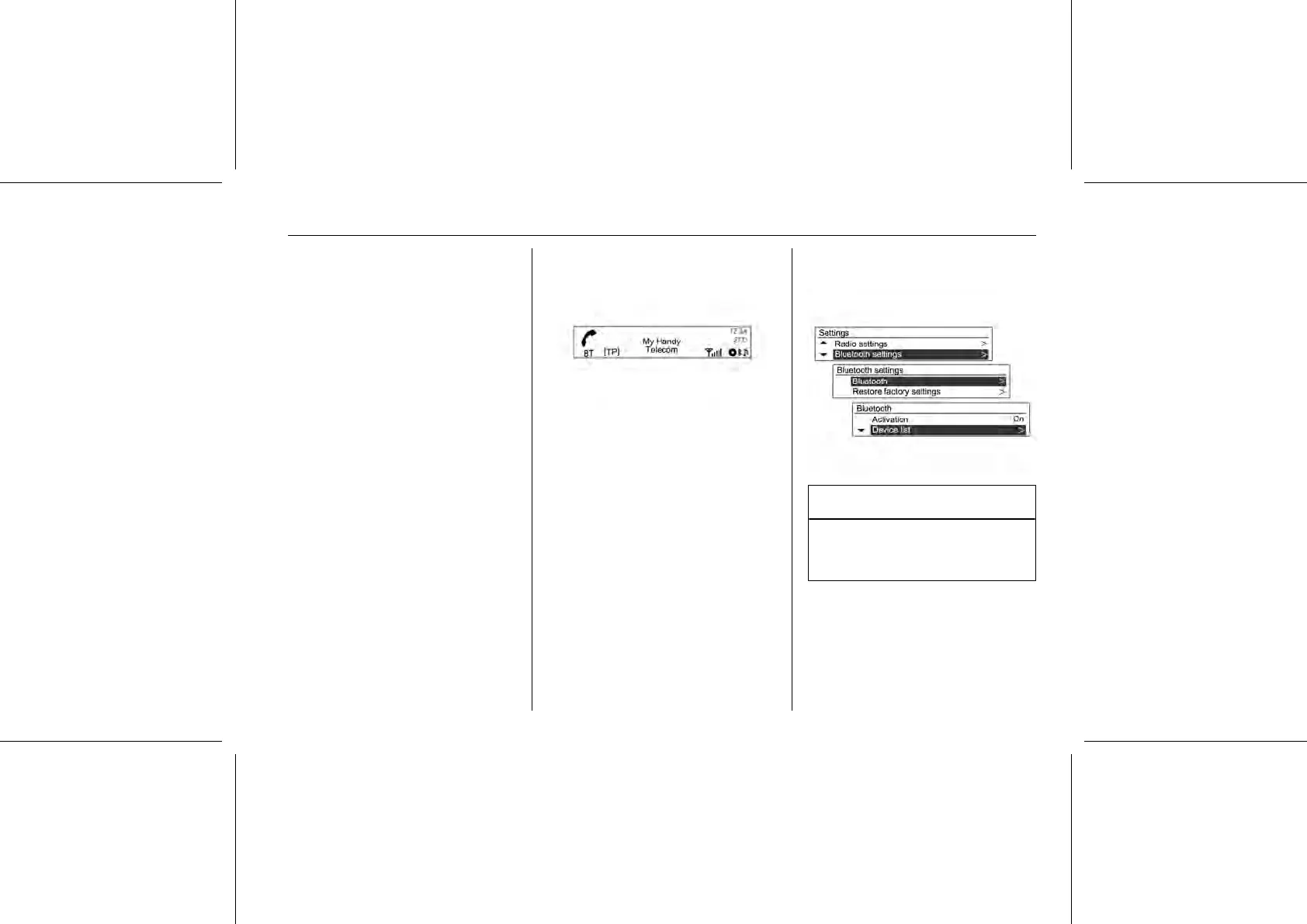
Press the CONFIG button, and use
the MENU-TUNE button with control
knob, to move to System















 To Next Page