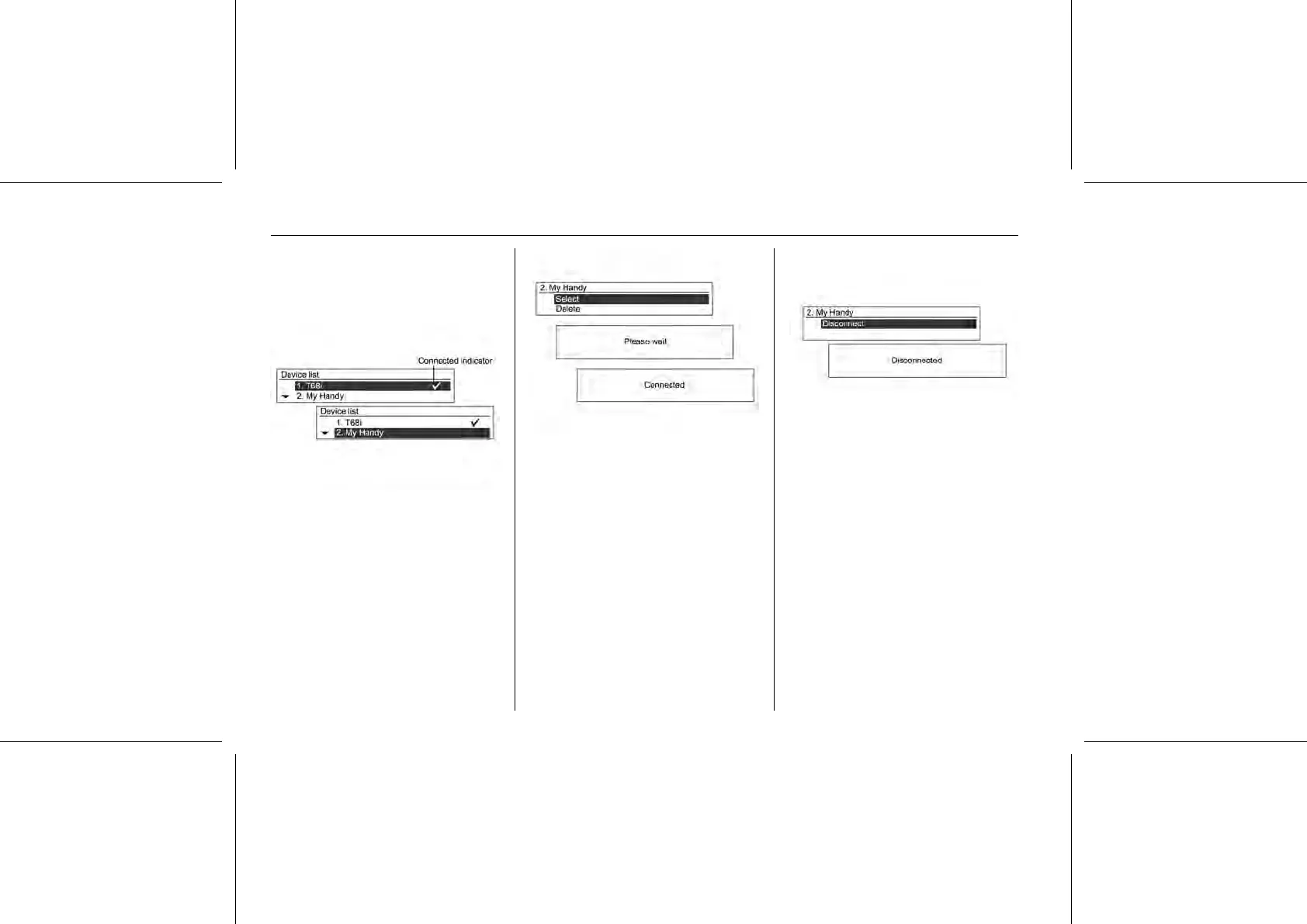
Use the MENU-TUNE button with
control knob to move from the
registered Bluetooth® device to the
device to be connected, and then
press the MENU-TUNE button.
You can select the chosen
Bluetooth® device by turning the
MENU-TUNE knob to the select item.
Confirm the operation by pressing the
MENU-TUNE button.
To disconnecting the chosen
connected Bluetooth® device from
the device list screen, press the
MENU-TUNE button. Confirm the
operation by pressing the MENU-
TUNE button again, so that
Disconnected will be displayed.
Cautions for registering/ connecting
Bluetooth®
Note
Not all phone portal functions are
supported by every mobile phone.
The possible phone functions
depend on the relevant mobile
phone and network provider. You















 To Next Page