Infotainment system 123
To confirm the respective item, press
MENU-TUNE button.
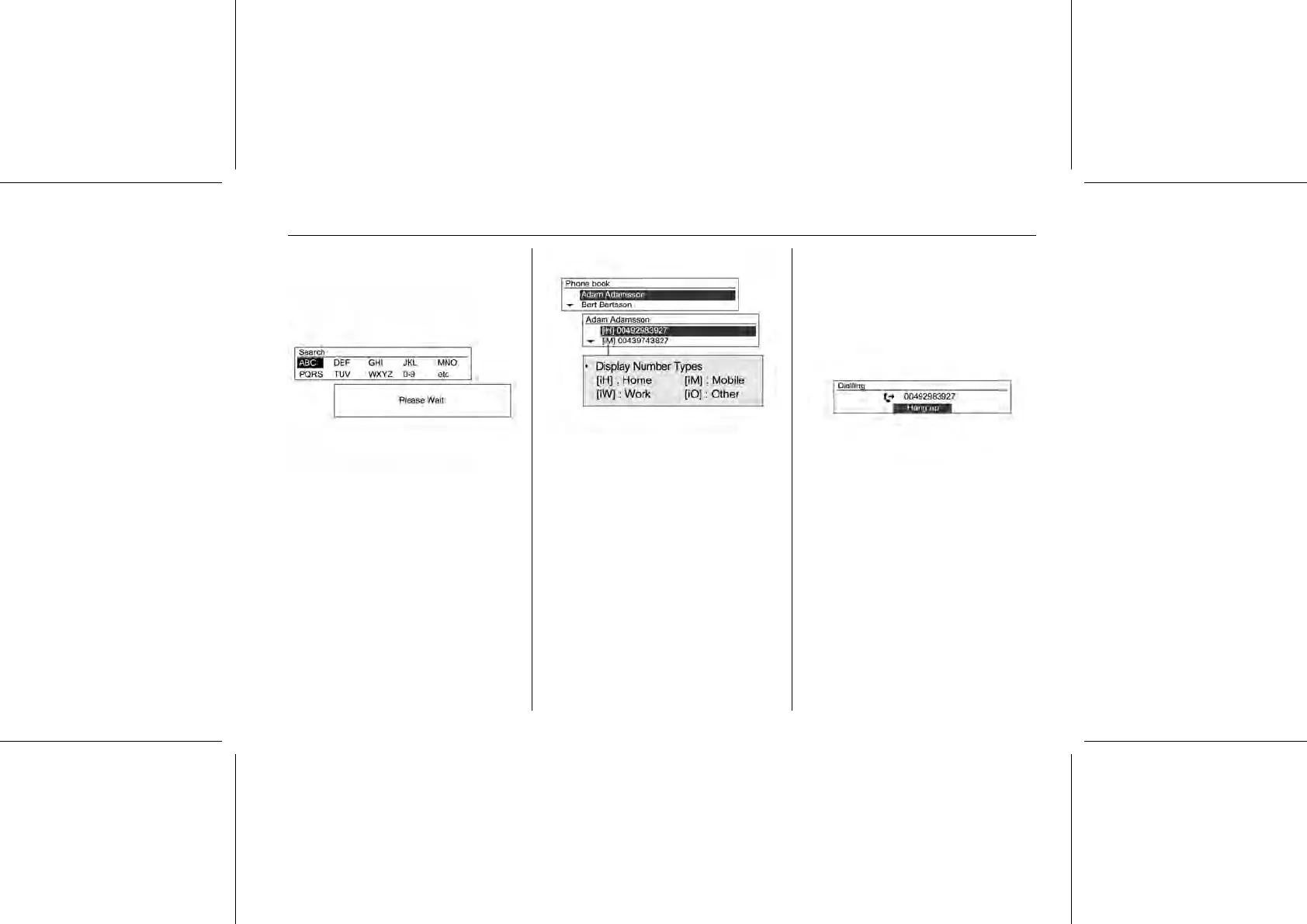
Turn the MENU-TUNE knob to select
search terms/range, and then press
the MENU-TUNE button.
Turn the MENU-TUNE knob from the
search results screen to select the
desired item, and then press the
MENU-TUNE button to view the
details for that item.
Using the phone menu
Phone menu → Phone book → Search
To call the relevant number, press the
MENU-TUNE button.
For more directions, refer to the
making phone calls item.















 To Next Page