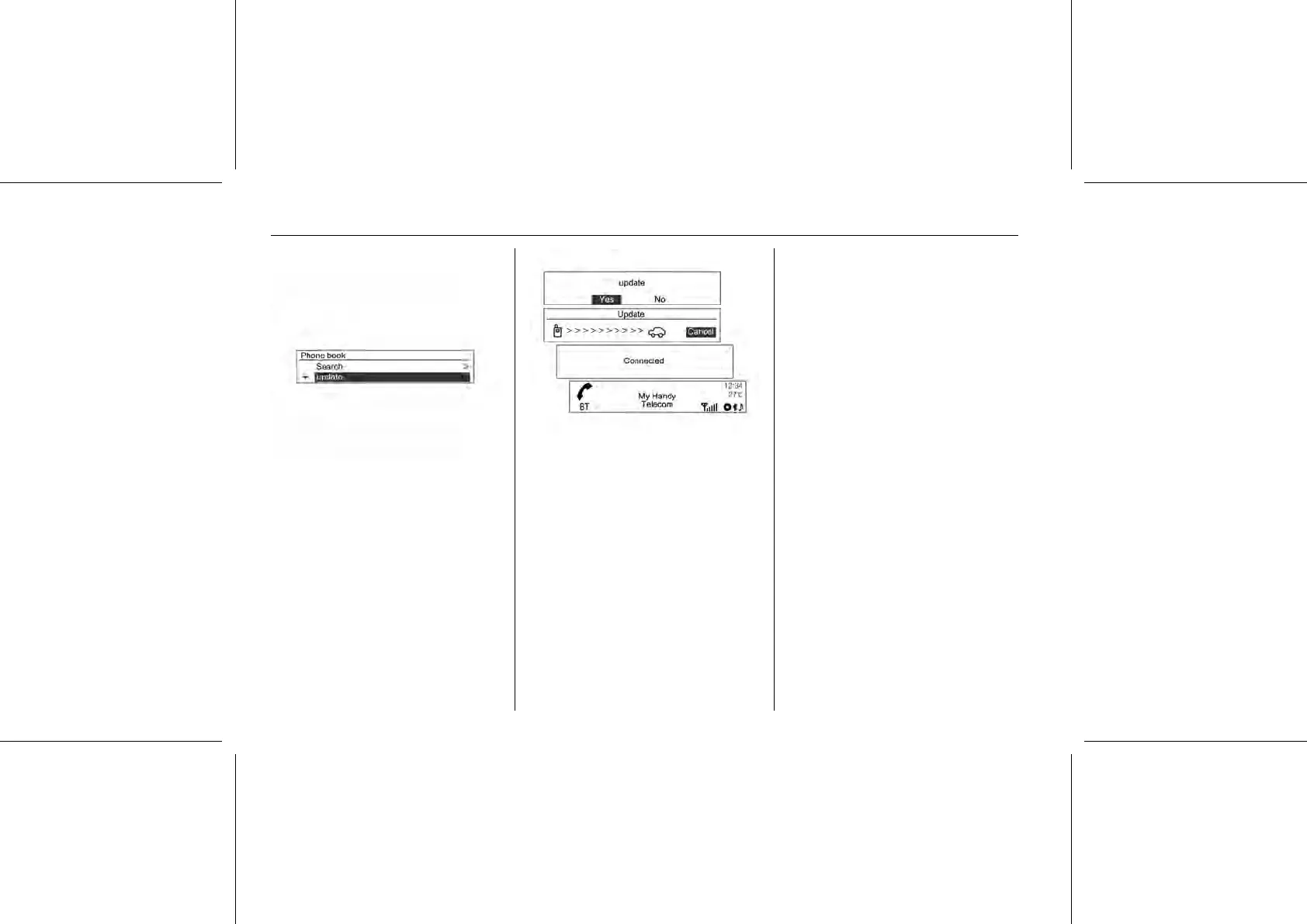
Update the contacts of the connected
mobile phone to the system’s
contacts.
Using the MENU-TUNE button with
control knob, select Phone menu →
Phone book → Update, and then
press the MENU-TUNE button.
Turn the MENU-TUNE knob to select
Yes or No, and then press the MENU-
TUNE button to activate or cancel
update.
Notice for updating contacts
■ This function can be used with
mobile phones that support
contacts update and the call history
transmission function. (If the
product is connected to a mobile
phone that does not support these
functions, the call history can be
displayed through the Infotainment
system.)
■ Update is not supported for more
than 1,000 contact numbers.
■ Be aware that hands-free and
Bluetooth® audio playback will be
cut-off while proceeding with
updates for contacts (other
functions except for hands-free and
Bluetooth® audio playback can be
used).
■ To update your contacts, it is
possible to request the
transmission certification for
contacts. If the waiting screen does
not change for a long time, you can
check whether the mobile is
requesting certification. When
requesting for certification of the
mobile phone, all Bluetooth®
connections will be cut off if it is not
accepted, and then the device will
be reconnected.
■ When receiving the call history, it is
possible to request the
transmission certification for the
call history from the mobile phone.
If the waiting screen does not
change for a long time, check
whether the mobile is requesting
certification. When requesting the
certification of the mobile phone, all















 To Next Page