Instruments and controls 71
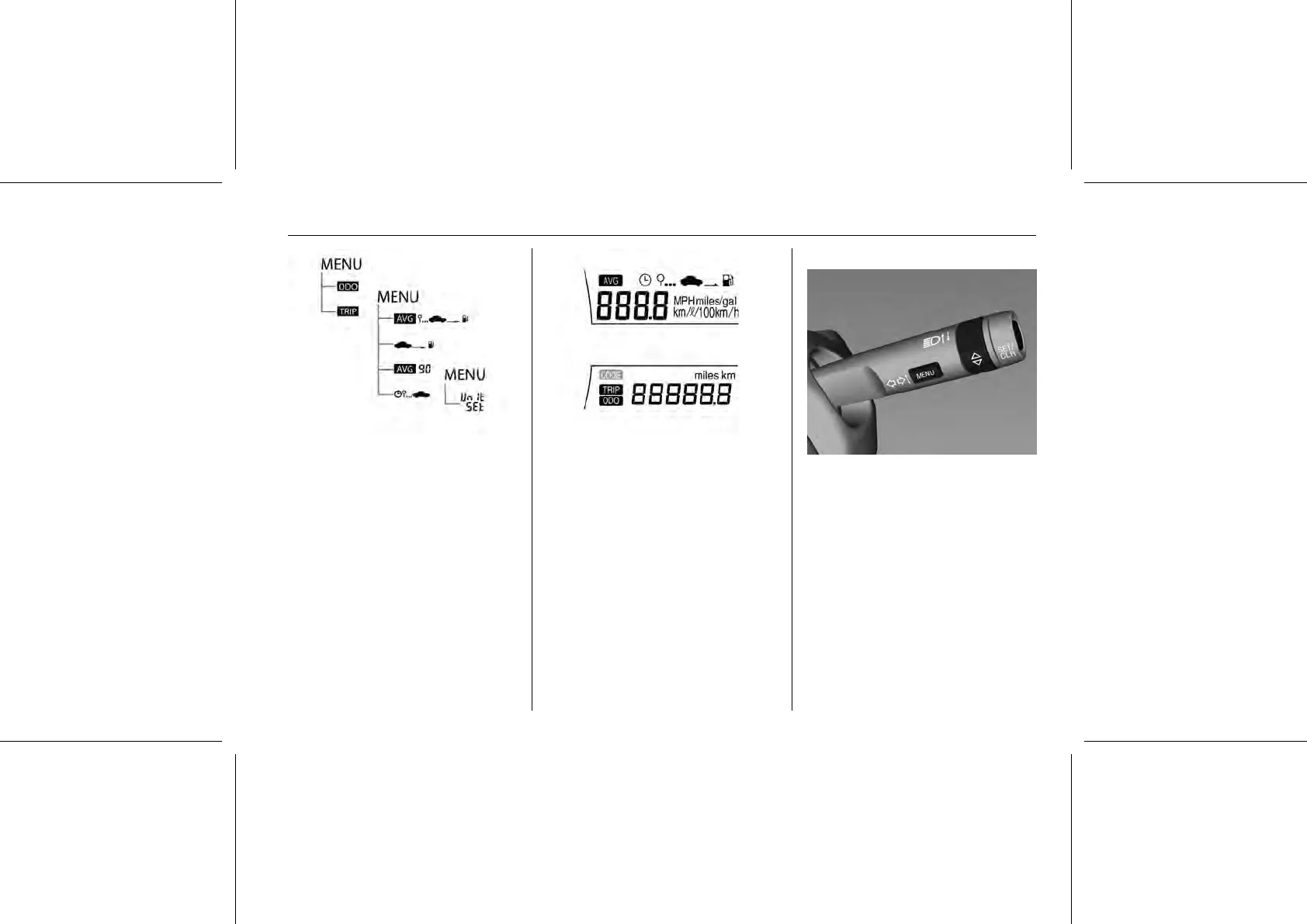
The image above illustrates the
sequence of some functions of the trip
computer in the Model A display.
Model A
The MENU word on the image
indicates that pushing the MENU
button results the change from one
sequence to the other. Alternatively,
if the knob in the adjuster wheel is
turned, you will follow downward on
the image. The SET/CLR button will
allow you to configure the item or
reset.
The following menus can be selected:
■ Odometer
■ Trip computer
■ Unit setting
To select the menu, press the
MENU button in the turn signal lever.
Each time you press the MENU
button, the mode changes in the
following order:
Odometer → Trip computer → Unit
setting
Vehicle personalisation 3 76.
Odometer 3 61.
Trip computer 3 74.















 To Next Page