72 Instruments and controls
Model B
Each time you press the cluster
button for less than 2 seconds, the
mode changes in the following order:
Odometer → Temperature setting →
Trip odometer → Clock setting → Unit
setting.
By pressing the cluster button for
more than 2 seconds, the respective
items can be configured or reset.
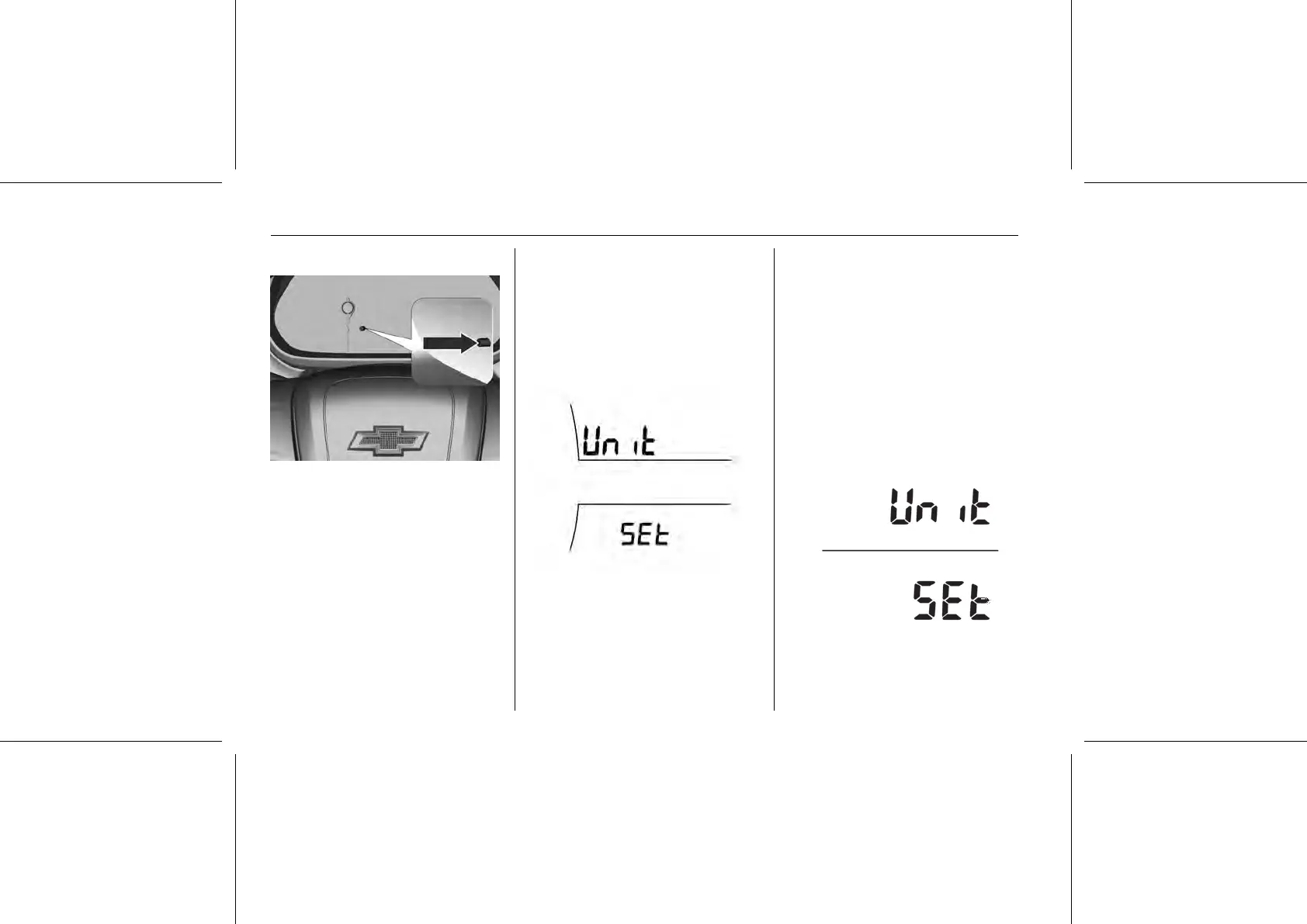
Unit setting
Model A
You can change the units of velocity
and temperature.
Each menu can be selected by
pressing the menu button in the turn
signal lever.
After selecting unit setting, press the
SET/CLR button for a few seconds.
Turn the knob on the turn signal lever
to select one of the settings.
1. Unit 1 (mph, °C).
2. Unit 2 (mph, °F).
3. Unit 3 (km/h, °C).
When changing a unit, the selected
one is shown.
Press the SET/CLR button for a few
seconds to confirm.
Model B
Press the cluster button for less than
2 seconds several times until the unit
setting appears.
Press for more than 2 seconds to
configure the unit settings.















 To Next Page