Infotainment system 87
14. MENU-TUNE button, knob
◆ Press this button to display the
currently functioning menu or
select/practise setup content
and setup values.
◆ Turn the control knob to move/
change the setup content or
values.
15. AUX port
Connect an exterior sound device
to this port.
16. PBACK button
◆ Cancel input content or return to
the previous menu.
17. PHONE/MUTE button
◆ Press this button to activate
Bluetooth® mode.
◆ Hold down the button to turn the
mute function on or off.
Operation
Buttons and controlling device
The Infotainment system is operated
by using the function buttons, knobs
and the menu indicated on the screen
display.
System on/off
Press the POWER/VOLUME button
to turn the system on.
Turning on the power will play the
previously chosen broadcasting
station or song.
Press the POWER/VOLUME button
to turn the system off.
Turning off automatically
When the ignition switch is in the off
position, turning on the Infotainment
system by using the POWER/
VOLUME button will automatically
turn the Infotainment system off after
10 minutes from the user's last
operation.
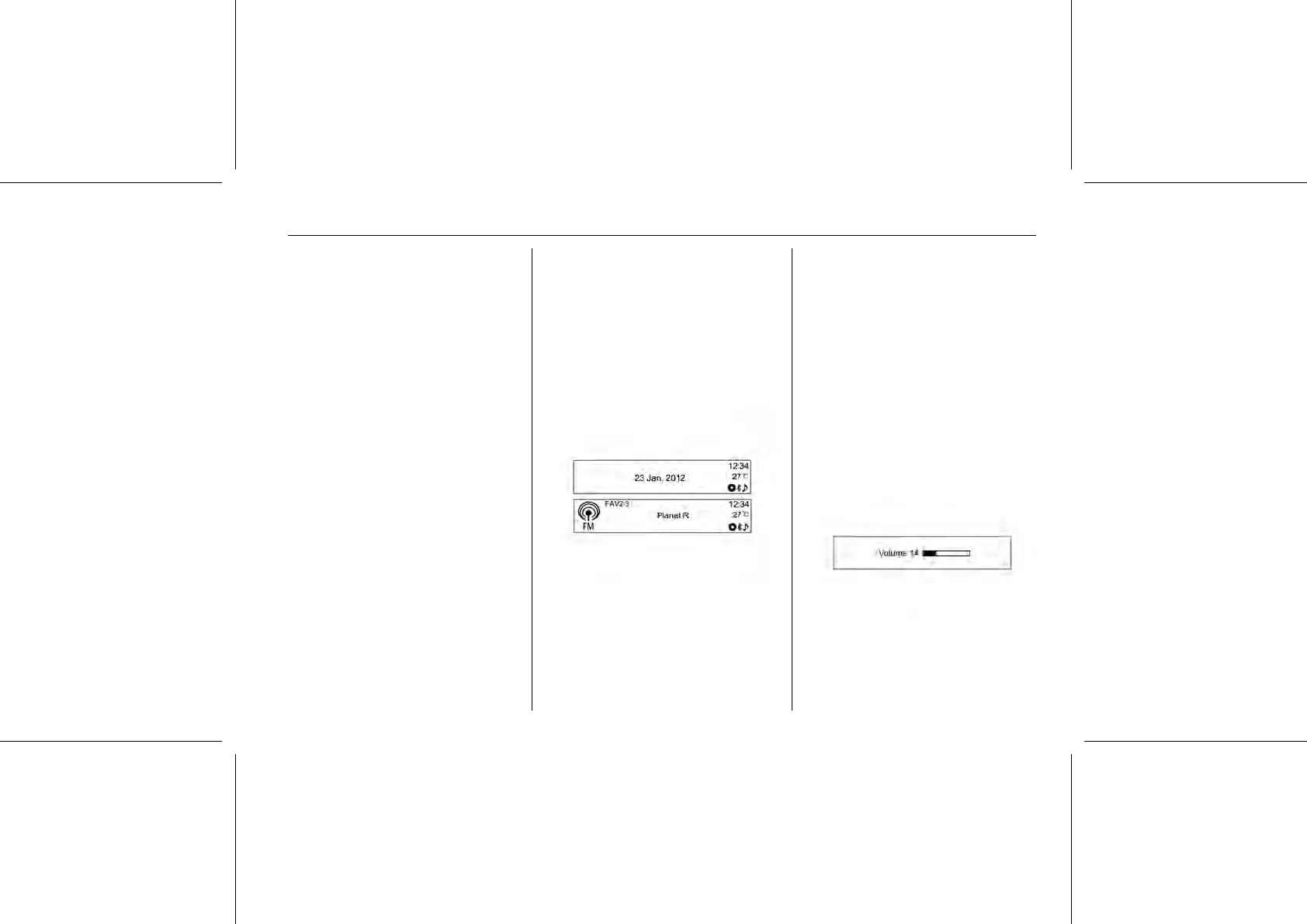
Volume control
Turn the POWER/VOLUME control
knob to adjust the volume.















 To Next Page