88 Infotainment system
■ The current sound volume is
indicated.
■ Turning on the Infotainment system
power will set the volume level to its
previous selection (when it is less
than the maximum starting volume)
Auto volume control
Once the speed-compensating sound
volume setup starts operating, the
volume will automatically be
controlled according to the vehicle's
speed to offset the noise from the
engine and tyres. Refer to System
Configuration → Radio Settings →
Auto Volume.
Volume limit by high
temperature
If the inside temperature of the radio
is very high, the Infotainment system
will limit the controllable maximum
volume. If necessary, the volume will
automatically decrease.
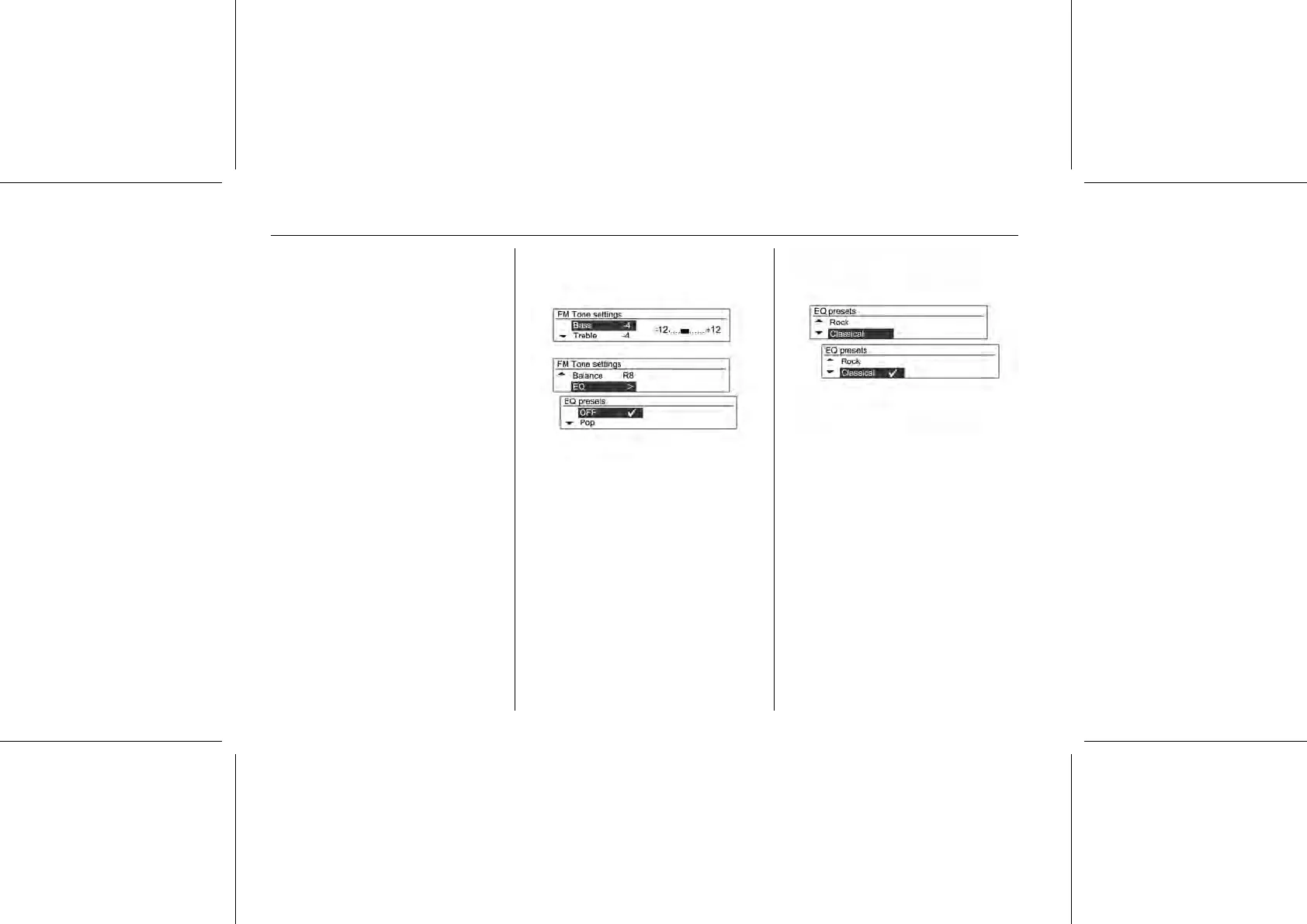
Tone Settings
From tone setup menu, sound
features can be setup differently
according to the FM/AM audio and
each audio player’s functions.
Press the TONE button when using
the relevant functioning mode.
Turn the MENU-TUNE control knob to
select the desired tone control mode,
and then press the MENU-TUNE
button.
Turn the MENU-TUNE control knob to
select the desired tone control value,
and then press the MENU-TUNE
button.
It is possible to reset the currently
selected item by pressing and holding
the MENU-TUNE button in the tune
configuration mode, or to reset all
items of the tune configuration mode
by pressing and holding the TONE
button.















 To Next Page