Infotainment system 89
Tone setup menu
■ Bass: Adjust the bass level from -12
to +12.
■ Midrange: Adjust the midrange
level from -12 to +12.
■ Treble: Adjust the treble level from
-12 to +12.
■ Fader: Adjust the front/rear speaker
balance from front 15 to rear 15.
■ Balance: Adjust the left/right
speaker balance form left 15 to right
15.
■ EQ (Equaliser): Select or turn off
the sound style (OFF ↔ Pop ↔ Rock
↔ Classical ↔ Talk ↔ Country)
Select function
FM/AM radio
Press the RADIO BAND button to
select FM or AM radio. Press the
MENU-TUNE button to open the FM/
AM menu that includes options for
selecting broadcast stations.
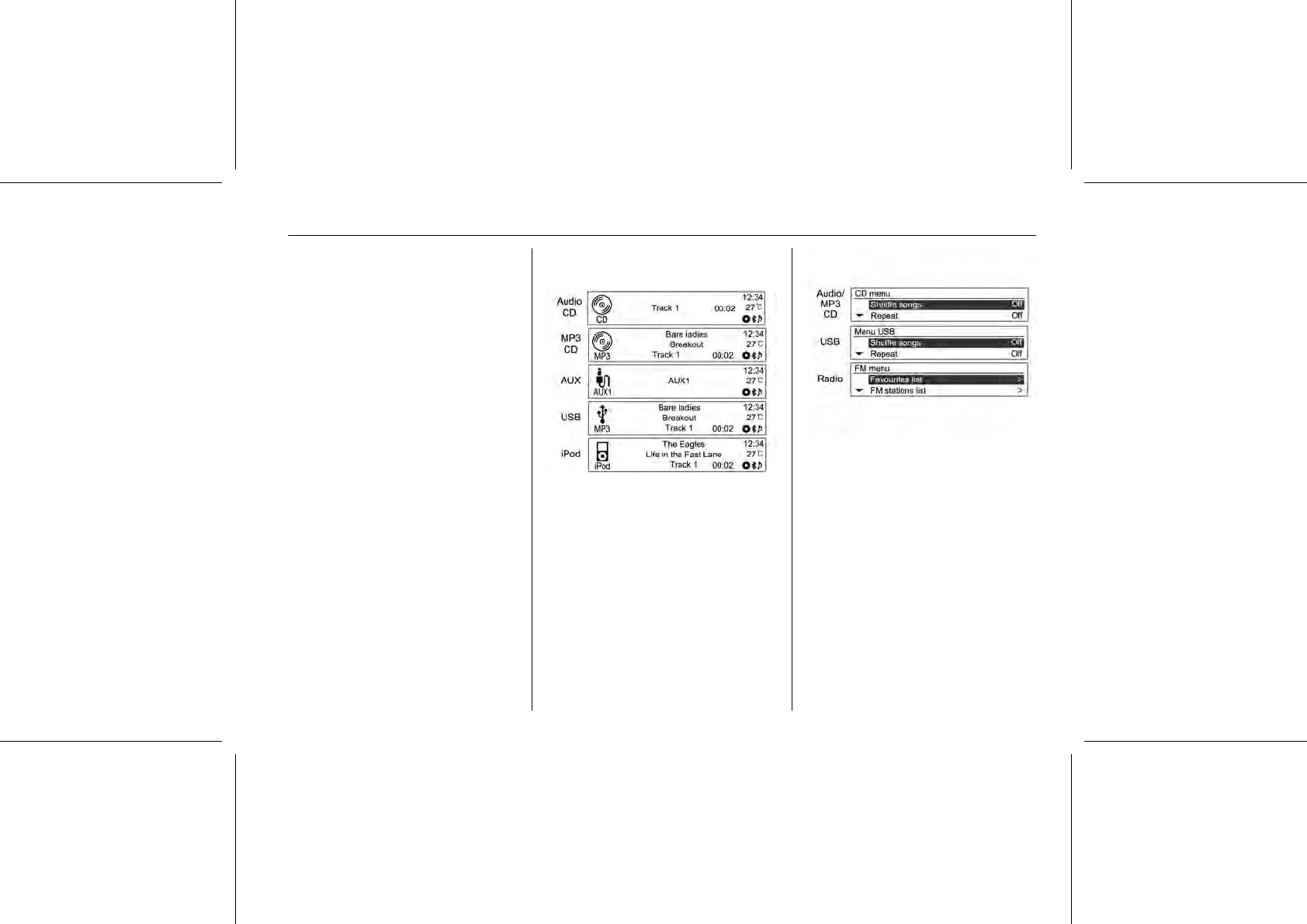
CD/MP3/USB/iPod® audio play or
exterior sound (AUX) input
Repeatedly press the CD/AUX button
to choose the audio player functions,
the AUX function for CD/MP3 discs,
or the connected USB or iPod® audio
player. (CD/MP3 → AUX → USB or
iPod® audio → CD/MP3 →....)
Press the MENU-TUNE button to
open the menu with options for the
relevant function or the menu of the
relevant device.
Personalisation
Main buttons/control knob
The buttons and control knob used in
the system setup are as follows.
(12) CONFIG button
Press this button to enter the system
setup menu.















 To Next Page