90 Infotainment system
(14) MENU-TUNE button, knob
■ Turn the control knob to move to the
menu or setup item.
■ Press the button to select/enter the
detailed control screen provided by
the current menu or setup item.
(16) P BACK button
Cancel the input item or return to the
previous screen/menu.
How to use the setup menu for
personalisation
Setup menus and functions may differ
according to car model.
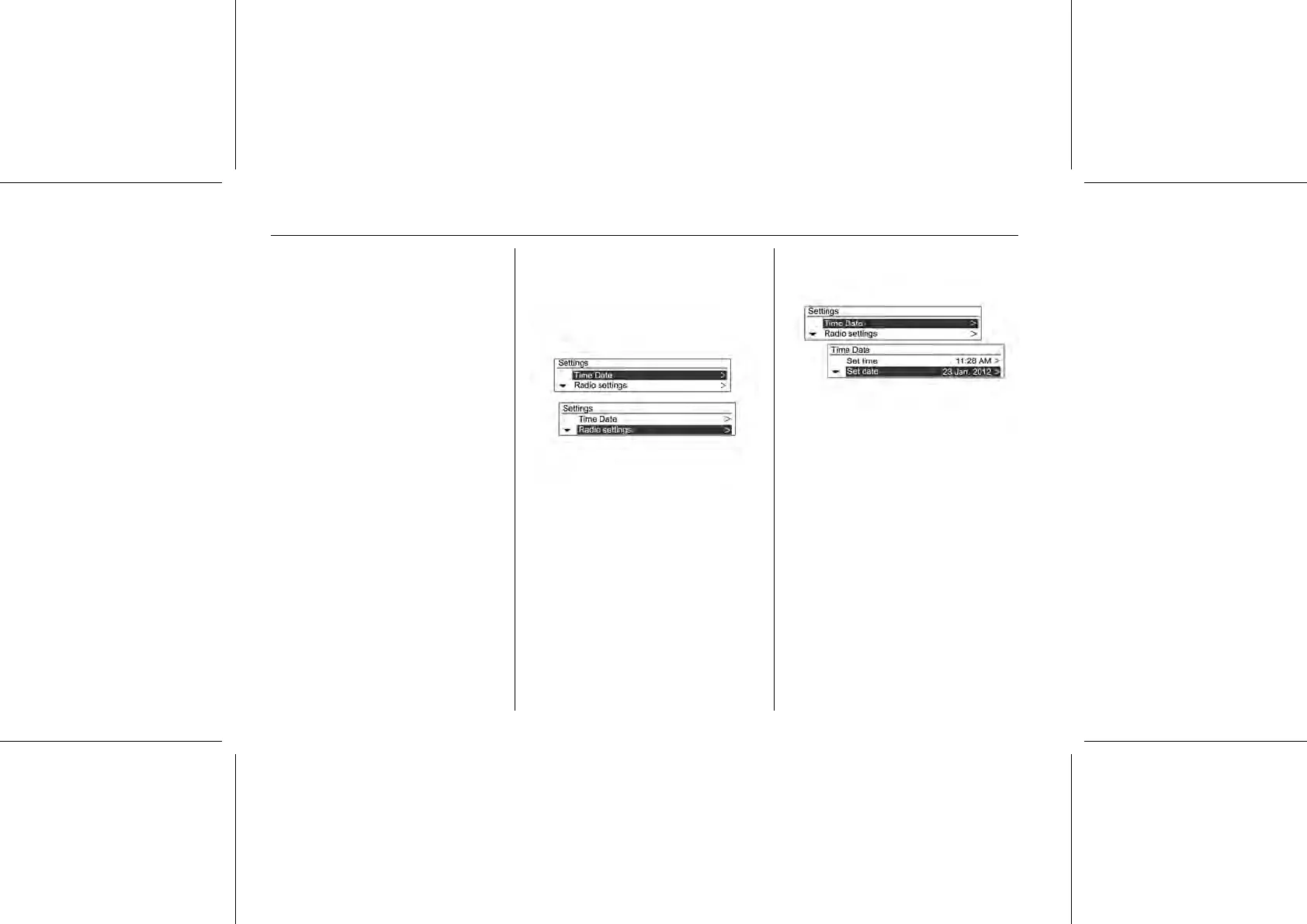
[Example] System Setup → Setup
Time and date → Time Setup: January
25th 2012
Press the CONFIG button to get to the
System configuration menu.
By turning the MENU-TUNE knob, it
is possible to move to the desired
setup menu. Then press the MENU-
TUNE button to confirm.
■ A detailed list for the relevant setup
menu or functioning state is shown.
■ If there is an additional detailed list
under the previous relevant
detailed list, you can repeat this
action.















 To Next Page