Infotainment system 95
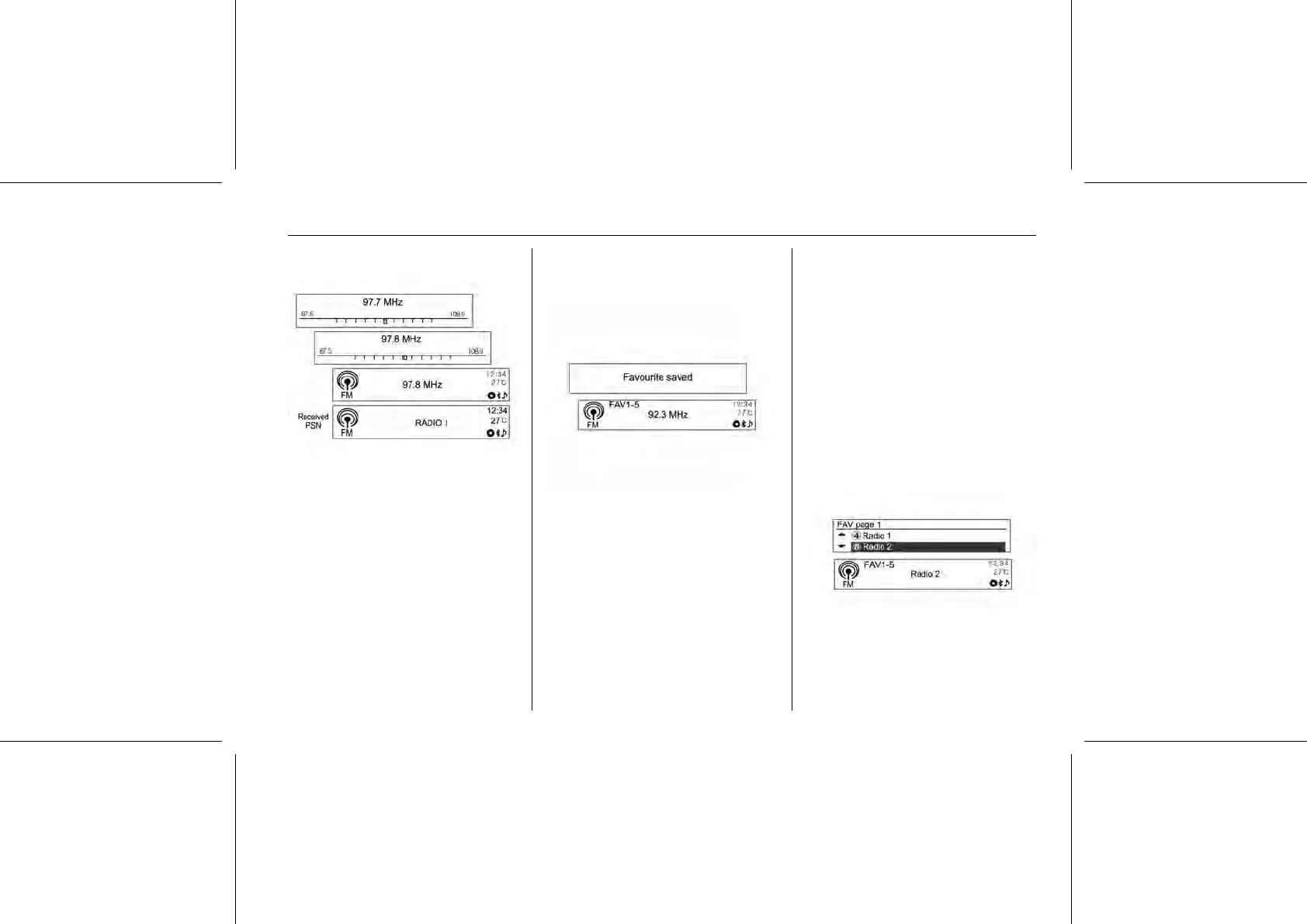
Searching for broadcasting manually
Turn the MENU-TUNE control knob,
button to manually find the desired
broadcasting frequency.
Using the PRESET buttons
Registering PRESET button
Press FAVOURITE [FAV1-2-3]
button to select the desired page of
saved favourites.
Hold down any of PRESET [1 ~ 6]
buttons to register the current radio
station to that button of the selected
favourites page.
■ Up to six favourite pages can be
saved, and each page can store up
to six radio stations.
■ It is possible to setup the number of
the favourites pages being used in
"System configuration → Radio
settings → Radio favourites (Max.
No. of favourite pages)".
■ If a new radio station is registered
to a PRESET [1 ~ 6] previously
registered button, its previous
content will be deleted and be
replaced with the new radio station
that is saved.
Listening directly to PRESET button
Repeatedly press the FAVOURITE
[FAV1-2-3] button to select the
desired FAV (favourites) preset page.















 To Next Page