displayed.
saved to that button.
Press the MENU-TUNE button to
display the radio menu. Turn the
MENU-TUNE knob, button to move to
the desired menu item, and then
press MENU-TUNE button to select
the relevant item or to display the
item's detailed menu.
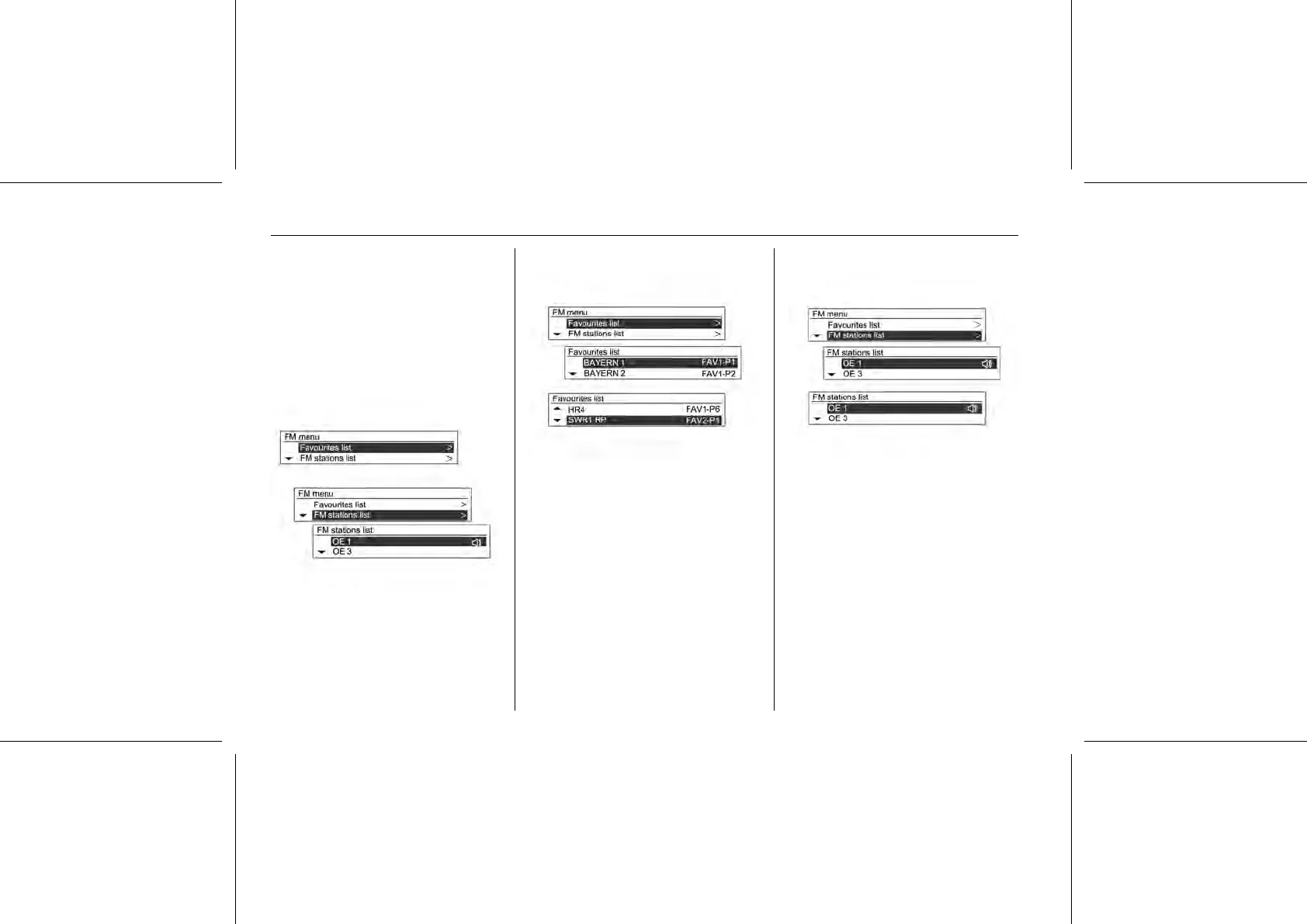
AM/FM menu → Favourites list
Select FM/AM with the RADIO
BAND button, press the MENU-
TUNE button twice and turn the
MENU-TUNE knob to move to the
favourites list.
When the desired item appears,
press MENU-TUNE button to receive
relevant broadcasting channel.
AM/FM menu → FM/AM station list
Press the MENU-TUNE button, then
turn the MENU-TUNE knob to AM/FM
station list and press the MENU-
TUNE button again.
In cases where a broadcasting
channel had been saved, an
automatic search will be performed.
All the available broadcasting
channels can be seen by turning the
MENU-TUNE knob.















 To Next Page