Infotainment system 97
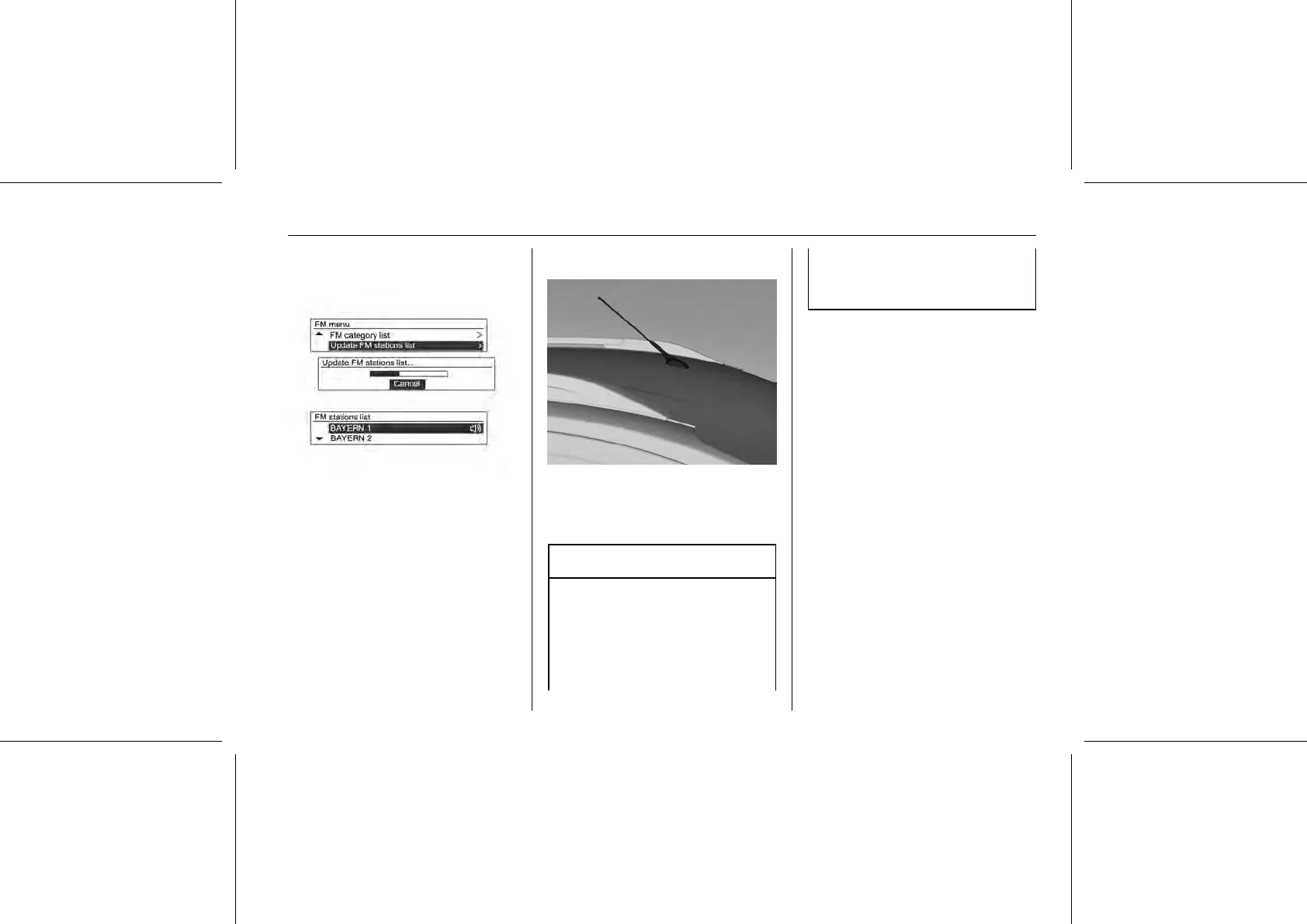
AM/FM menu → Update FM/AM
stations list
Press MENU-TUNE button and turn
the MENU-TUNE knob to the Update
FM/AM stations list. To start the
process, press the MENU-TUNE
button.
■ The FM/AM broadcasting list
update will proceed.
■ During the FM/AM broadcasting list
update, press the MENU-TUNE
button or the previous P BACK
button to stop it from saving
changes.
Fixed mast antenna
To remove the roof antenna, rotate it
counterclockwise. To install the roof
antenna, rotate it clockwise until it is
fully tightened.
Caution
Be sure to remove the antenna
before entering a place with a low
ceiling or it may be damaged.
Entering the automatic car wash
with the antenna installed may
result in damage to the antenna or
the roof panel. Be sure to remove
your antenna before entering the
automatic car wash.















 To Next Page