on the display (4). Touch the
icon to go back to the Choosing a Re-
minder menu without confirming any
settings.
Note: if a date and time in the past are
set, when
is touched, you will hear
a double beep, which shows that it is
impossible to activate the reminder.
Note: if, while navigating in the
sub-menu, no point of the display is
touched for 10 seconds, the display
(4) will automatically go back to dis-
playing the image filmed by the video
camera (5) on the child unit.
4. Gallery Mode: managing the men-
us in the parent unit
4.1 Accessing the main menu
When the parent unit is turned on in
Gallery mode, you automatically ac-
cess the main menu, from which it is
possible to manage all the available
functions.
CAUTION: in Gallery mode, it is not
possible to see the image of the child
in real time as there is no link between
the parent unit and the child unit.
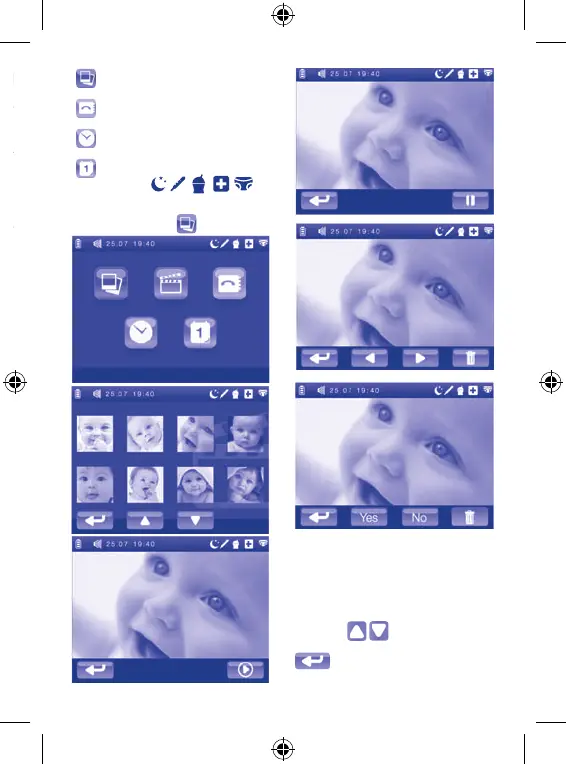
The functions included in the main
menu in Gallery mode are:
·
Video gallery
4.2.1 Photo gallery
the main menu. This display will show
.


 To Next Page