Mik-El / Chilton Page 10 of 26
MODULE SERVICE.
To removed or transpose modules, a pozidriver size 2 screwdriver is required.
Procedure:
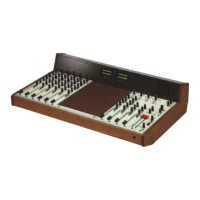
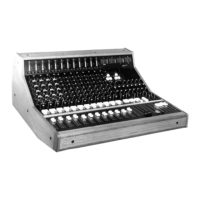
First, remove lower fixing screws on meter bridge front panel, (3 off 10 inputs - 4 off 16 inputs) complete
with fibre washers. Then lift to a horizontal position and fix. NOTE (xx)
Remove rear Jack socket fixing nuts* on module to be changed or removed and front 2BA black
countersunk fixing screw. Remove internal mini jacket plug, if fitted. Lift up front of module using Pan
or A2 knobs (NOT FADER KNOB) until fader body is just clear of case; pull forward to release rear
connectors from back panel (rear label will drop clear) finally hook round meter bridge tie rod to pull
clear. Reverse procedure to replace.
Always check rear connectors are fully engaged into rear panel before pressing module fully home into
the Bus connector. If problems are experienced in replacing the far left hand module try removing both
middle and bottom rear panel fixing screws.
When removing internal connectors on M2 or M3 modules use a pair of pliers, DO NOT PULL CABLE
(applies to M45-M42a-M42b-M43 on 4 Group)
* Replace finger tight only.
Blank panels: These have a small movement in the rear fixing holes to align with existing modules.
FIRST ISSUE CM2 MODULES
M1 Module
a. Delete +48v Phantom Power switched.
b. Delete Phase reverse switch.
c. Mid x 10 switch. 100 - 1kHz range button down.
d. Balanced Line input Jack socket. Tip + Ring - Sleeve Common
M4 Module
a. LINE IN 1 Jack socket. Tip Left. Ring Right. Sleeve Common
M3 Module
a. oscillator frequency 10kHx incorrectly printed 1kHz
xx If difficulty is experienced when replacing fixing screws (locate centre screws first) slacken off upper countersunk
screws first.


 To Next Page
 Loading...