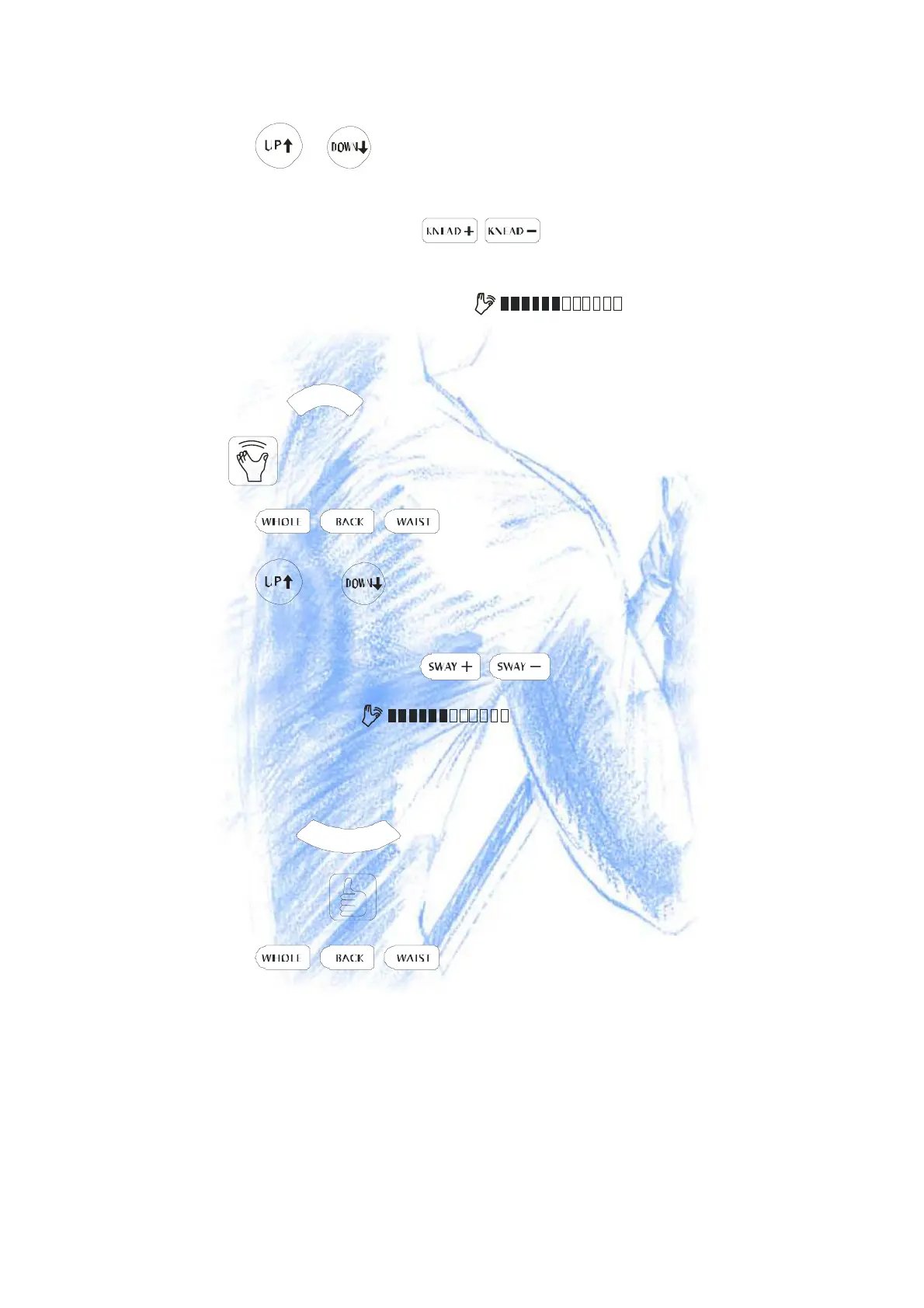
- ●Press or button continuously, the Massage Nods will move up or down.
Release the button, the nods will stop on your desired part.
- ●To adjust the speed, press the button and the correspond icon will
show on LCD Screen: .
●Press the button again to stop massaging.
-
- 2.SwayingMassage
- ●Press the
S
W
A
Y
button, it begins to Swaying Massage and the correspond icon
is lighting on the LCD.
- ●Press button to select one of 3 massage parts.
- ●Press or button continuously, the Massage Nods will move up or
down. Release the button , the nods will stop on your desired part.
- ●To adjust the speed, press the button and the correspond icon will
show on LCD Screen: .
- ●Press the button again to stop massaging.
-
- 3.Finger-Pressing Massage
- ● Press the
P
R
E
S
S
button, it begins to Finger-Pressing Massage and the
correspond icon is lighting on the LCD.
- ●Press button to select one of 3 massage parts.
- ●Press the button again to stop.
-
- Following illustration shows the Back Massage Areas for quick reference.


 To Next Page