20
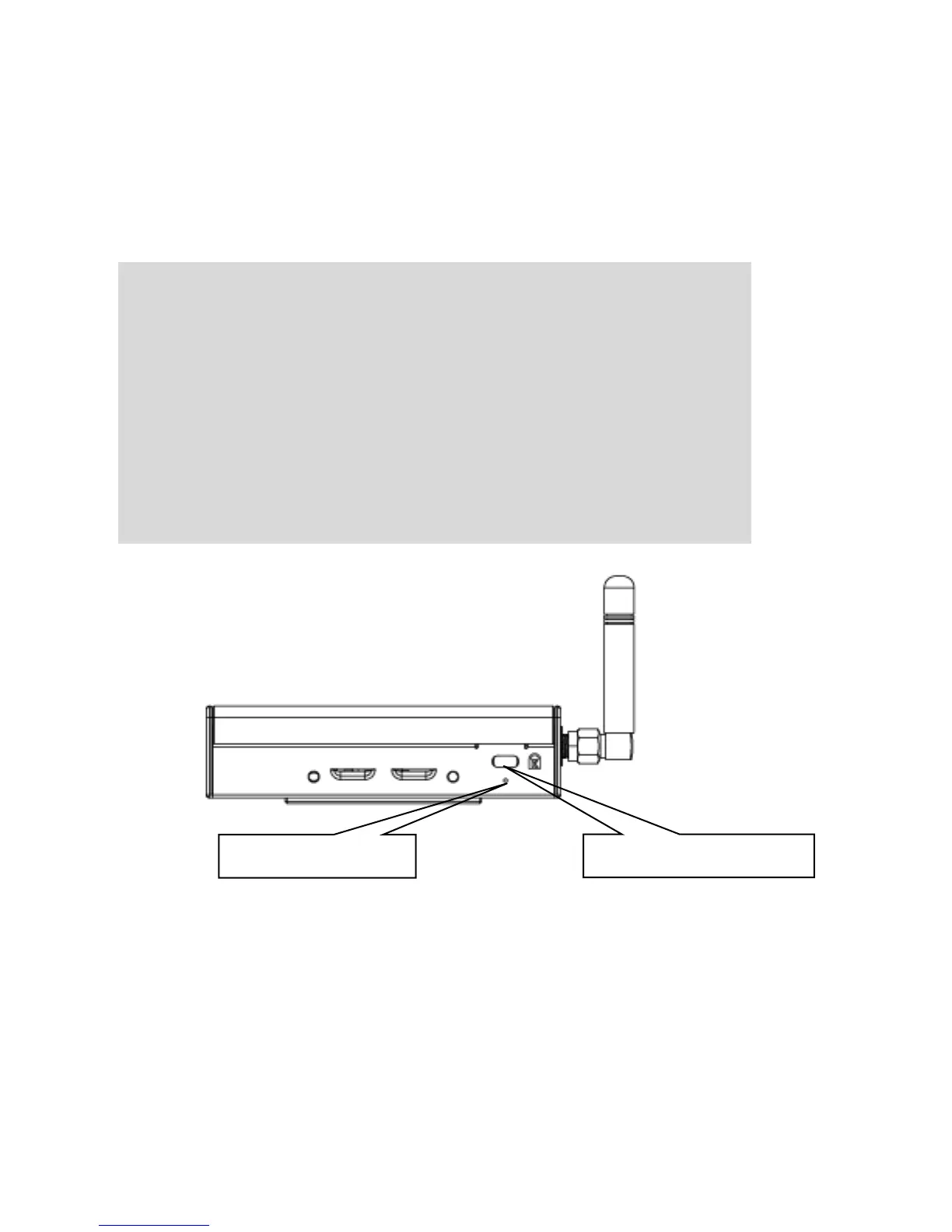
Recovery button
If you need to invoke the Chromebox Mini into Recovery mode, you can
insert a paper clip and press the
RECOVERY
BUTTON
and press
the Power button. Release the
RECOVERY BUTTON
after a second.
IMPORTANT!
Performing a recovery on your Chromebox Mini reinstalls the
operating system and restores the original factory settings,
removing all associated Google Accounts (including the
owner) and clearing all local data from the hard drive. Locally
saved files and saved networks are deleted for all accounts.
The Google Accounts themselves, and any data synced to the
web through your Google Drive, are not affected by a system
recovery.


 To Next Page