The display will show the name of the location most
similar to the letters entered to speed up selection. It
will show only letters for the selection that will make
sense in completing the location name. The unit will
complete the location name automatically if all other
possibilities are eliminated.
Accept the entry by pressing and holding the right knob
until the confirmation beep is heard. You may also select
the checkmark '" by turning the right knob and
pressing it to confirm. The street list will be displayed if
the entry is not complete when the confirmation is
accepted.
Navigation
If the entry is unclear, the street distinguishing list is
shown.
Select the desired region around the street by turning
the right knob and pressing it to confirm. The unit will
switch to the route menu.
Entering a Town/City/County Center for the Des-
tination
Select CENTER by turning the right knob and pressing it
to confirm.
lJHSHn·iGTOr'i 5T r"i
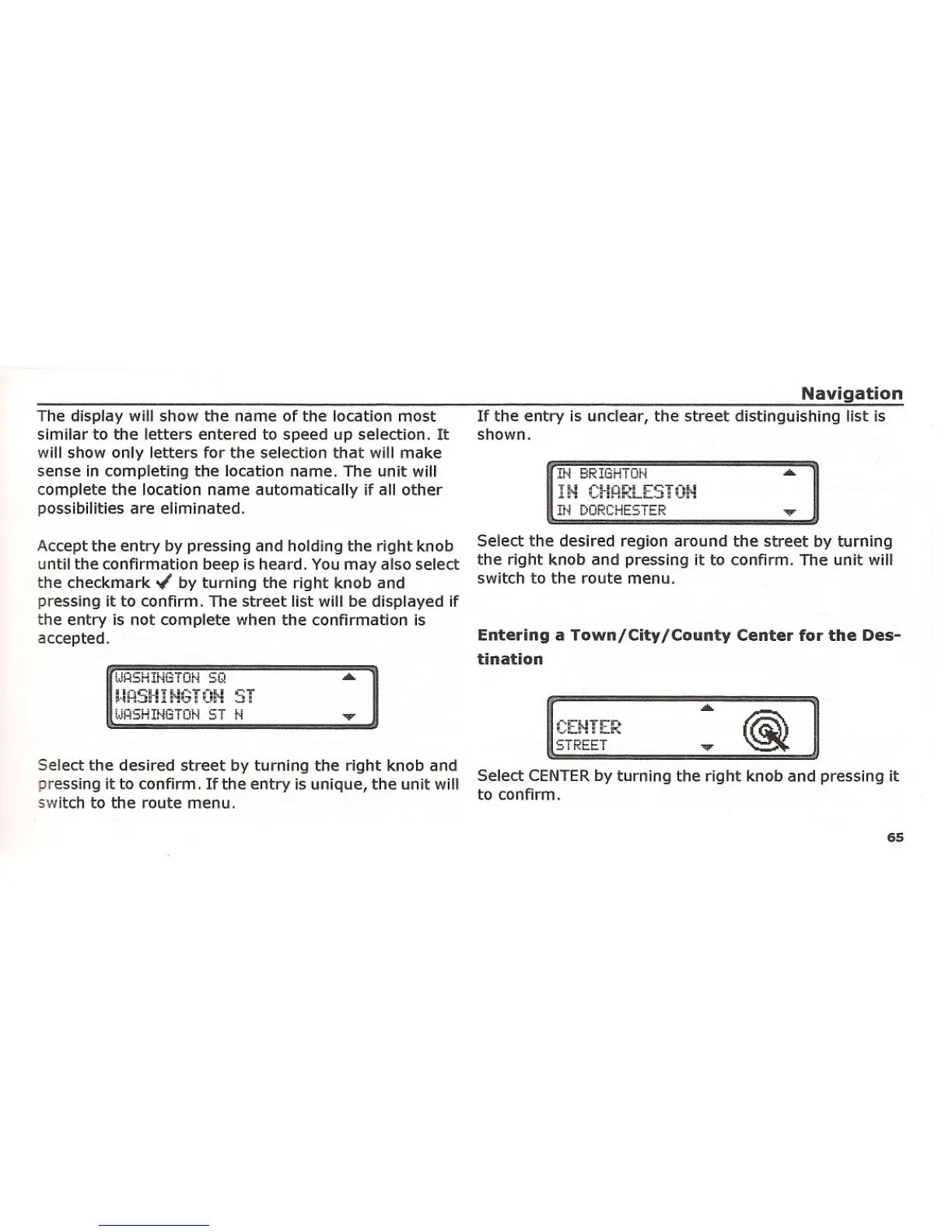
Select the desired street by turning the right knob and
pressing it to confirm. If the entry is unique, the unit will
switch to the route menu.
STREET
65















 To Next Page