HLL:o TCir·i
BRIGHTm'i
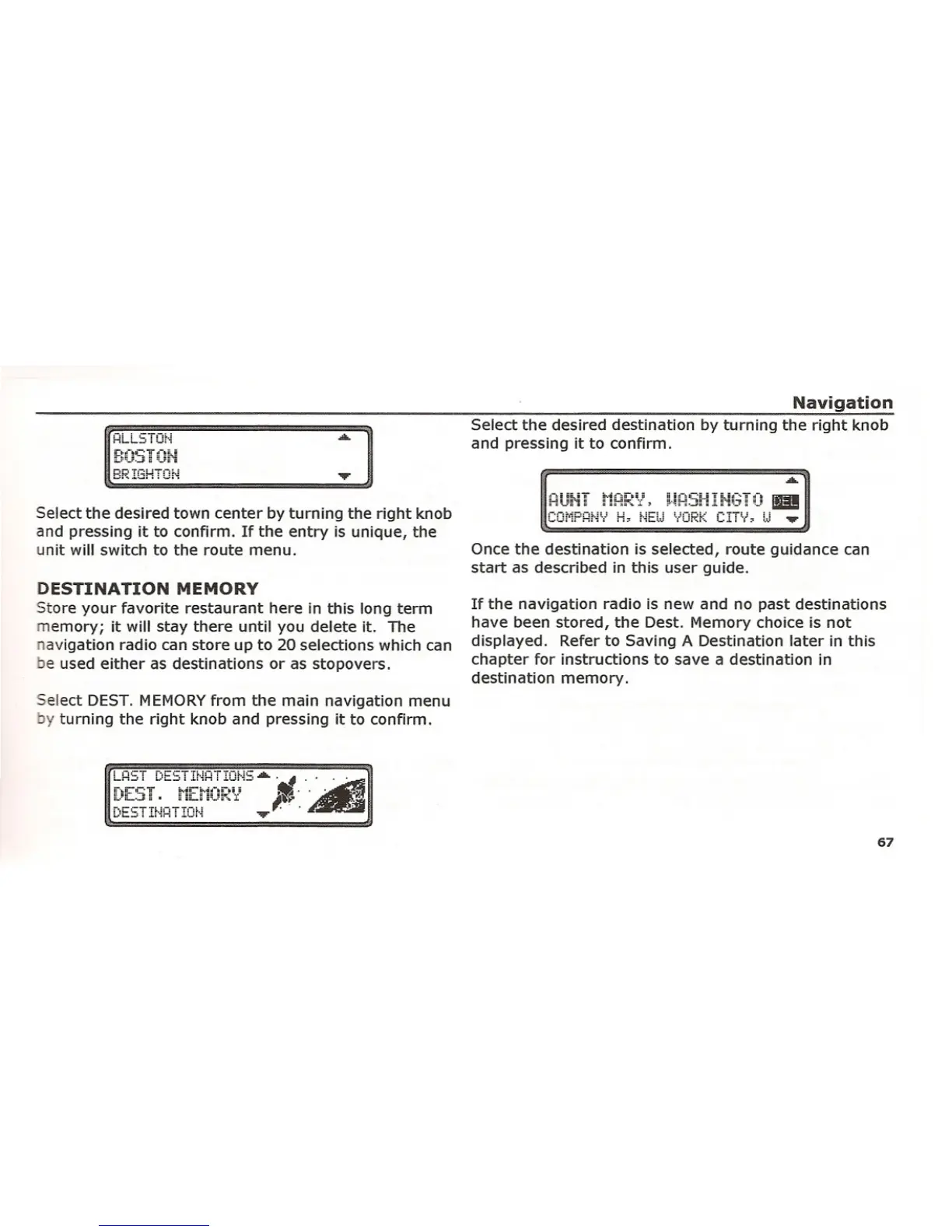
Select the desired town center by turning the right knob
and pressing it to confirm. If the entry is unique, the
unit will switch to the route menu.
DESTINATION MEMORY
Store your favorite restaurant here in this long term
memory; it will stay there until you delete it. The
navigation radio can store up to 20 selections which can
be used either as destinations or as stopovers,
Select DEST. MEMORY from the main navigation menu
y turning the right knob and pressing it to confirm.
Navigation
Select the desired destination by turning the right knob
and pressing it to confirm.
AUHT HHRV, URSHIHGTO
II!
cm'iPHf'N H, r·iEU 'iORK C!TV, U .•••.
Once the destination is selected, route guidance can
start as described in this user guide.
If the navigation radio is new and no past destinations
have been stored, the Dest. Memory choice is not
displayed. Refer to Saving A Destination later in this
chapter for instructions to save a destination in
destination memory.
67















 To Next Page