Light Button (18)
Pressing this button illuminates the buttons on the re-
mote control.
Remote Control Battery Service
•
To replace the batteries for the remote control slide the
cover rearward.
The replacement batteries for the remote control are two
AAA batteries.
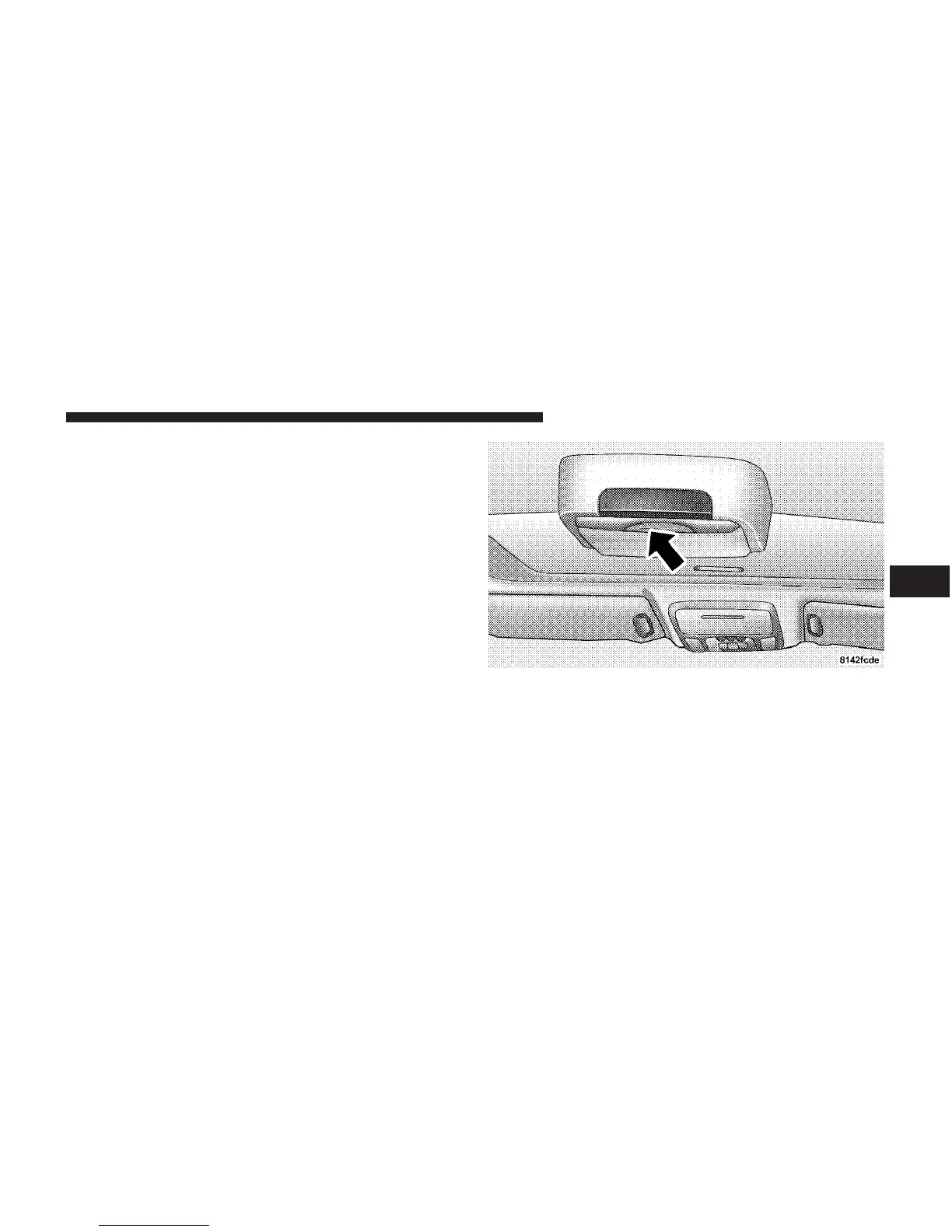
Operating Instructions — Video Screen
Push up on the release button to lower the video screen.
Lowering Video Screen
UNDERSTANDING YOUR INSTRUMENT PANEL 239
4















 To Next Page