10
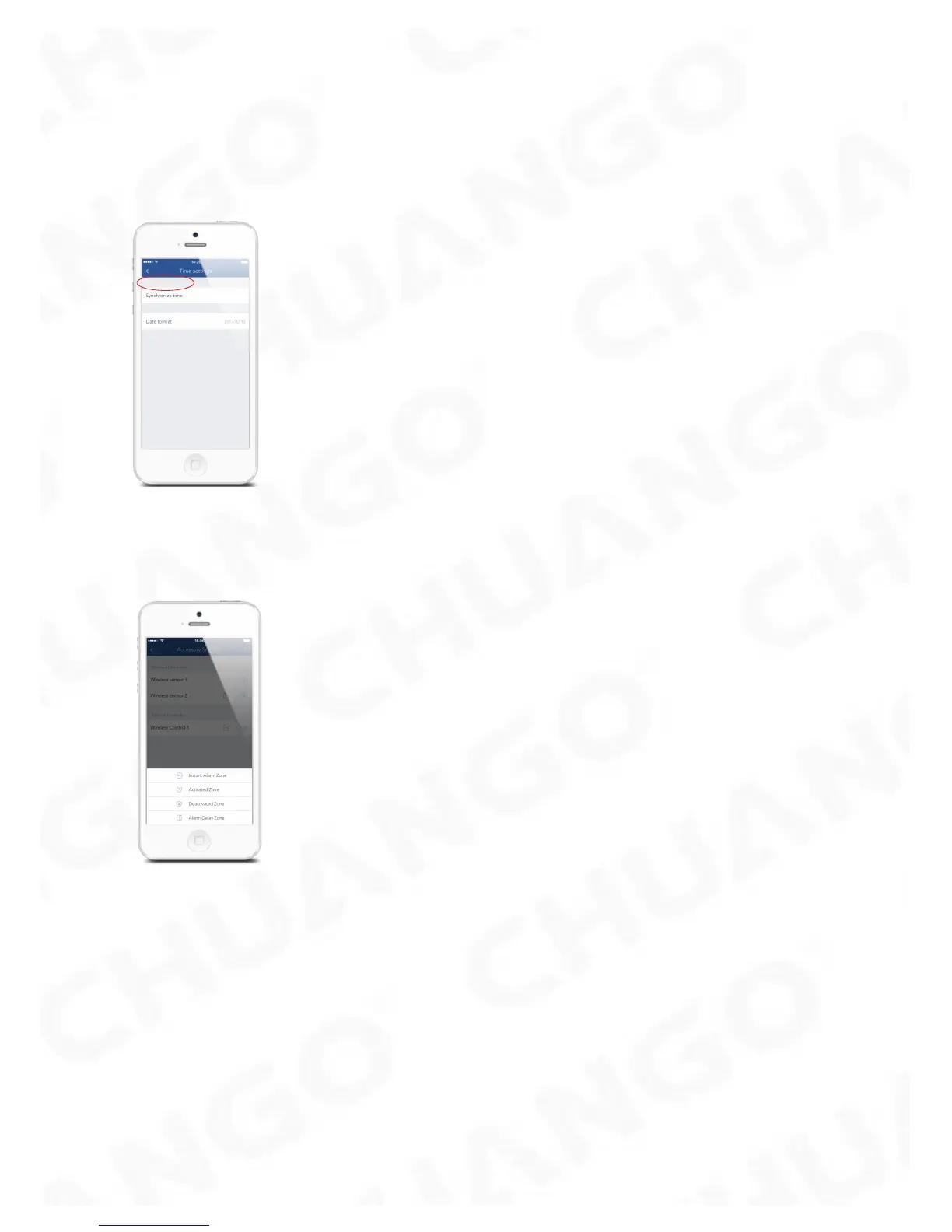
Synchronize Time (Important Setting)
The time shown on your mobile device must be synchronized with the time shown
on the Server prior to setup. Operation history will only be recorded correctly once
synchronization is complete.
Edit Accessories
Rename, add, delete and change the Zone Mode of each Sensor.
Activated Zone : Sensors set to Activated Zone are armed whether the alarm is in
Arm (Full Arm) or Home Arm (Part Arm) Mode. We recommend setting Window/
Door Sensors to Activated Zone.
Deactivated Zone : Sensors set to Inactivated Zone are only armed in Arm (Full
Arm) Mode. If Home Mode (Part Arm) is used, these Sensors are not armed and will
not activate the alarm on trigger. We recommend setting PIR Motion Sensors to
Inactivated Zone.
Instant Alarm Zone : Sensors set to Instant Alarm zone will activate the alarm when
triggered, regardless of the alarm status at the time (armed or disarmed).
Alarm Delay Zone : Sensors set to Alarm Delay Zone will sound the alarm after the
delay time passed.



 To Next Page