SAMPLlNG INTERVAL FUNCTION (SAP):
"VIBRATION ADAPTER"
"INTEGRA TION TIME"
The "SAP" function allows the balance to adapt to the surrounding environment conditions. (Please
.read the PRECAUTIONS section of this manual for optimum conditions 1.
The SAP should be adjusted to SAP-l for very stable conditions and to SAP-A for very unstable
conditions.
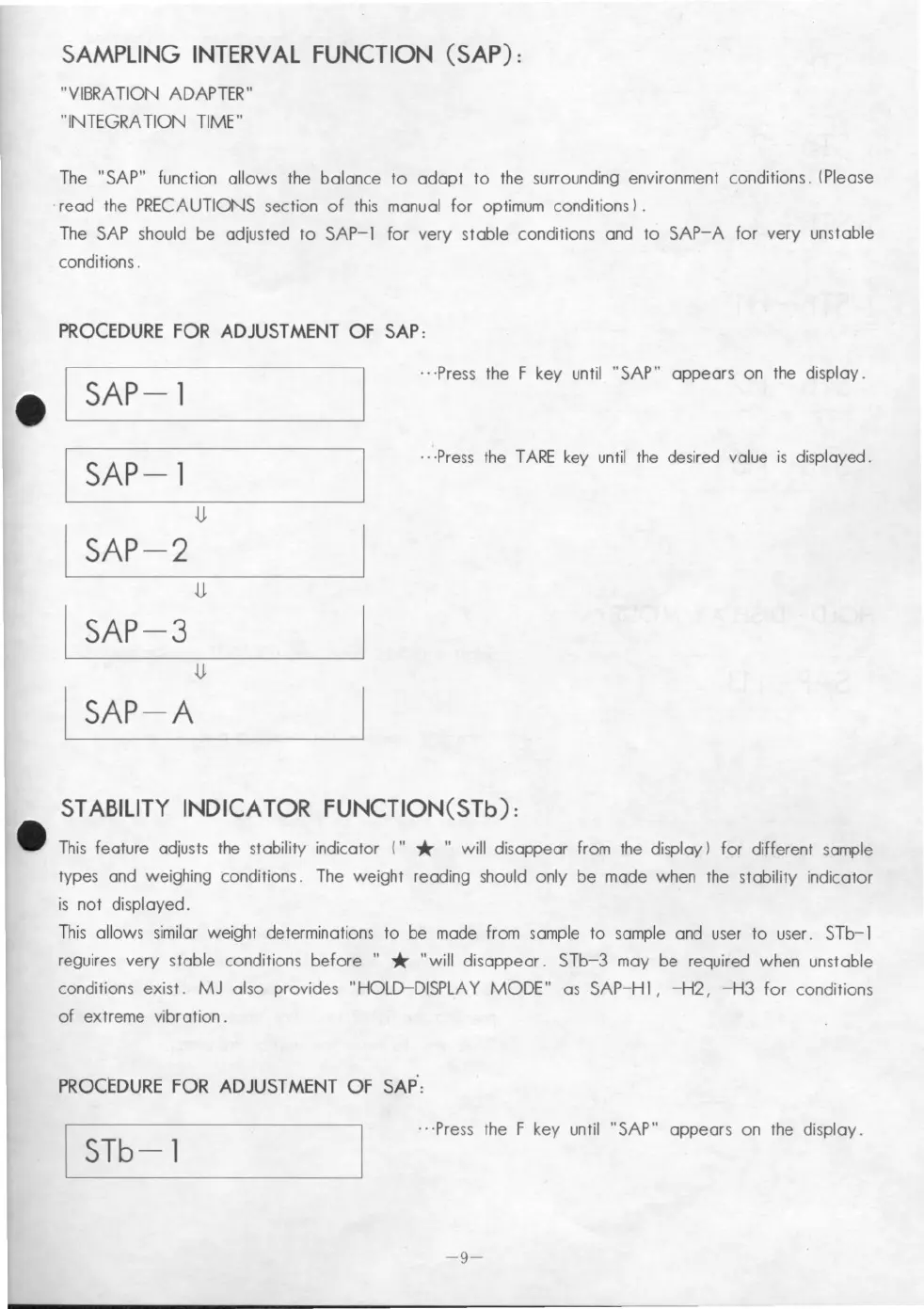
PROCEDURE fOR ADJUSTMENT Of SAP:
SAP-l
SAP-l
u.
SAP-2
u.
SAP-3
u.
SAP-A
.. ·Press the F key until "SAP" appears on the display.
.. ·Press the TARE key until the desired value is displayed.
STABILlTY INDICATOR FUNCTION(STb):
This feature adjusts the stability indicator (" * "will disappear from the display) fer different sample
types and weighing conditions. The weight reading should only be made when the stability indicator
is not displayed.
This allows similar weight determinations to be made from sample to sample and user to user. STb-l
reguires very stable conditions befere "
* "will disappear. STb-3 may be required when unstable
conditions exist. MJ al so pro vides "HOLD-DISPLAY MODE" as SAP-Hl, -H2, -H3 fer conditions
of extreme vibration.
PROCEDURE fOR ADJUSTMENT Of SAP':
I STb-l
.. ·Press the F key until "SAP" appears on the display.
-9-


 To Next Page
 Loading...