STb-l
u
STb-2
u
STb-3
u
STb-Hl
u
STb-H2
u
STb-H3
HOlD - DISPlAy MODE:
I SAP-H3
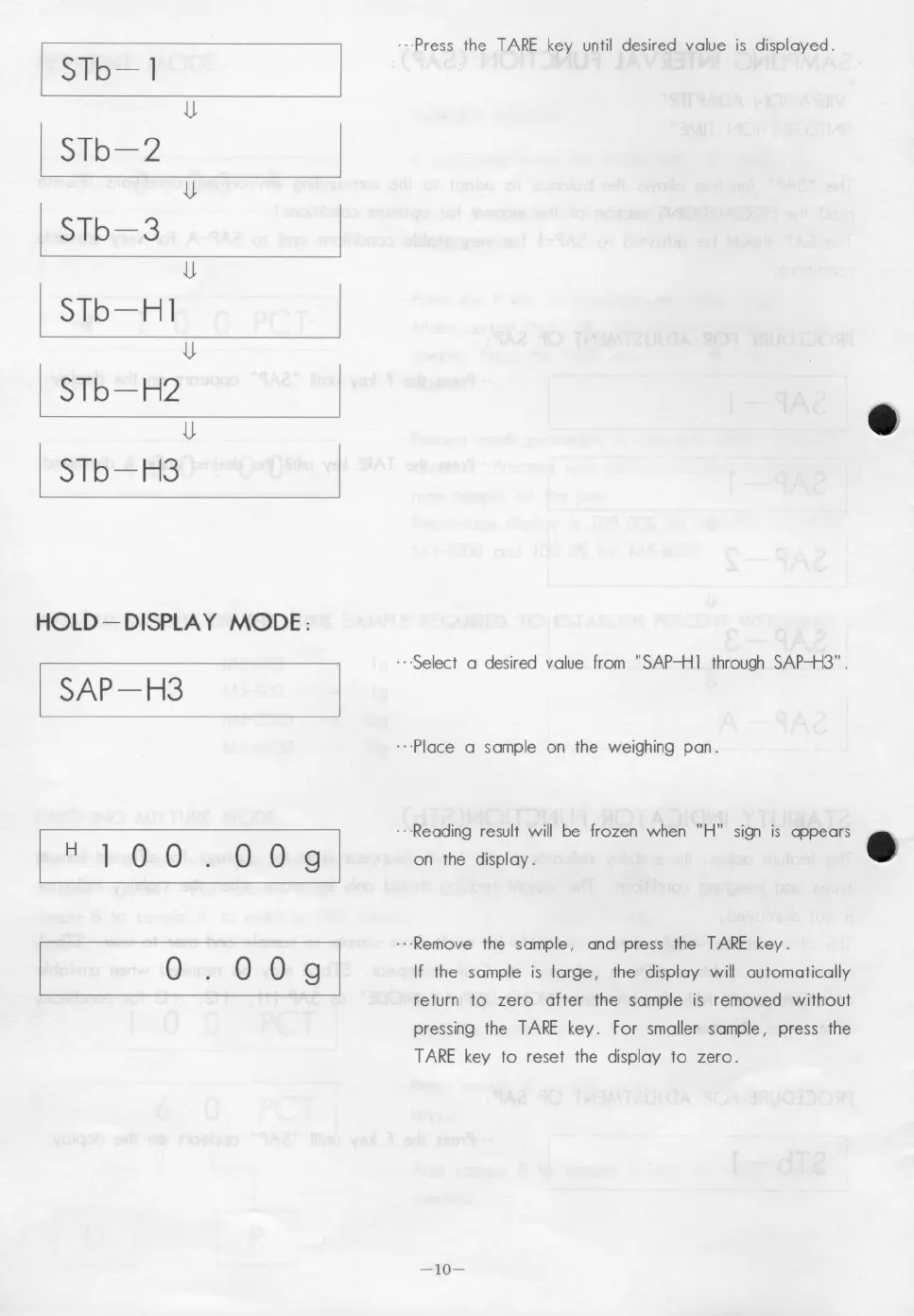
.. ·Press the TARE key until desired value is displayed.
···Seleet a desired value from "SAP-+ll through SAP-+l3".
.. ·Place a sample on the weighing pan .
H
o o
o
.. ·Reading result will be frozen when "H" sign is appears
on the display .
.. ·Remove the sample, and press the TARE key.
If the sample is large, the display will automatically
return to zero after the sample is removed without
pressing the TARE key. For smaller sample, press the
TARE key to reset the display to zero.
-10-



 To Next Page