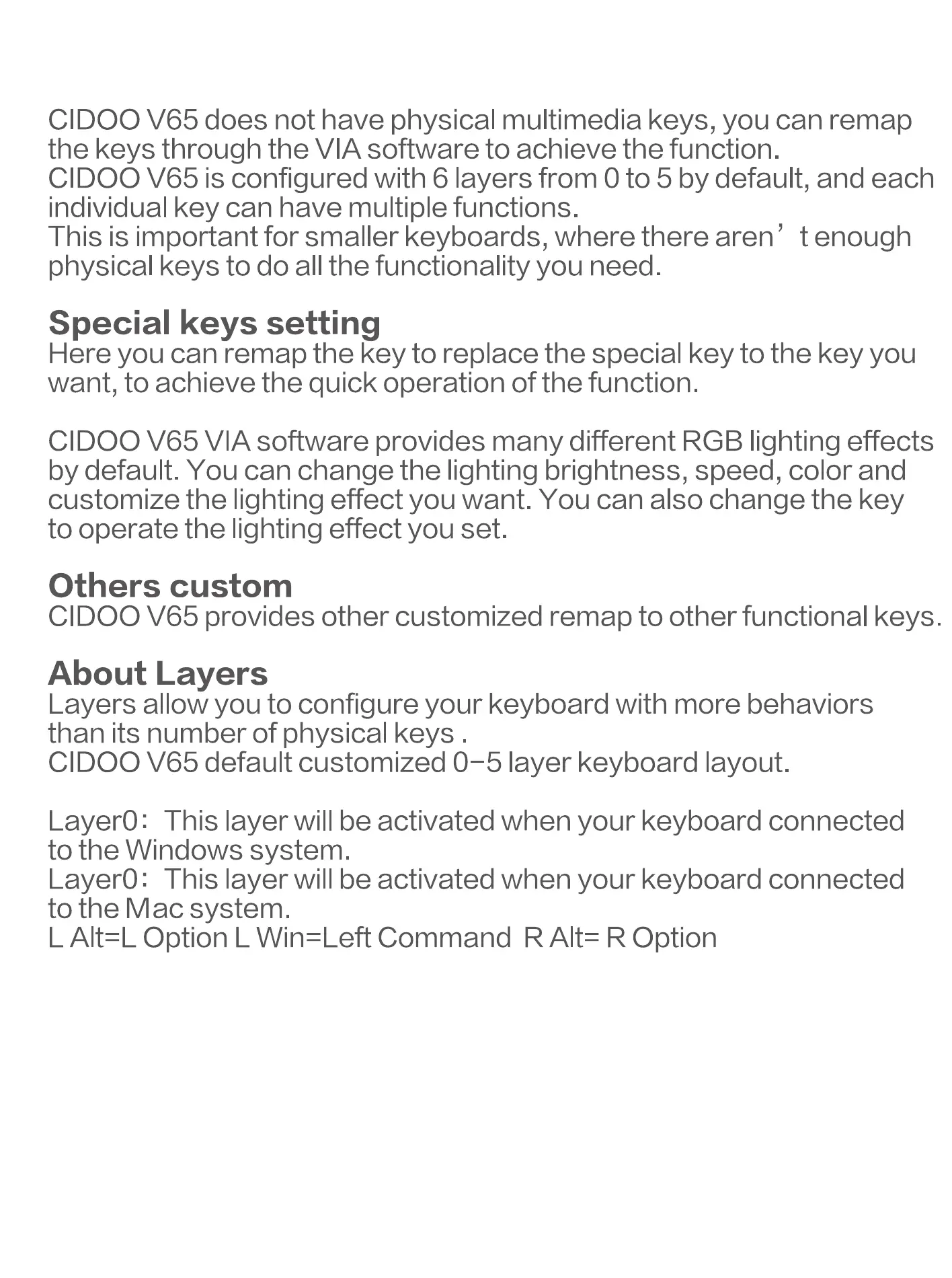
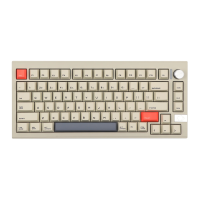
CIDOO V65 does not have physical multimedia keys, you can remap
the keys through the VIA software to achieve the function.
CIDOO V65 is configured with 6 layers from 0 to 5 by default, and each
individual key can have multiple functions.
This is important for smaller keyboards, where there aren' t enough
physical keys to do all the functionality you need.
Special keys setting
Here you can remap the key to replace the special key to the key you
want, to achieve the quick operation of the function.
CIDOO V65 VIA software provides many different RGB lighting effects
by default. You can change the lighting brightness, speed, color and
customize the lighting effect you want. You can also change the key
to operate the lighting effect you set.
Others custom
CIDOO V65 provides other customized remap to other functional keys.
About Layers
Layers allow you to configure your keyboard with more behaviors
than its number of physical keys .
CIDOO V65 default customized 0-5 layer keyboard layout.
Layer0: This layer will be activated when your keyboard connected
to the Windows system.
Layer0: This layer will be activated when your keyboard connected
to the Mac system.
L Alt=L Option L Win=Left Command RAIt= R Option


 To Next Page