C. 'Permanent Hold' lets you hold the current settings until you manually change them.
D. 'Do not Hold' will not hold the current settings. Your schedules or geofencing will work as
intended (if any).
How to Connect Cielo Smart Thermostat to the Cielo Home
App?
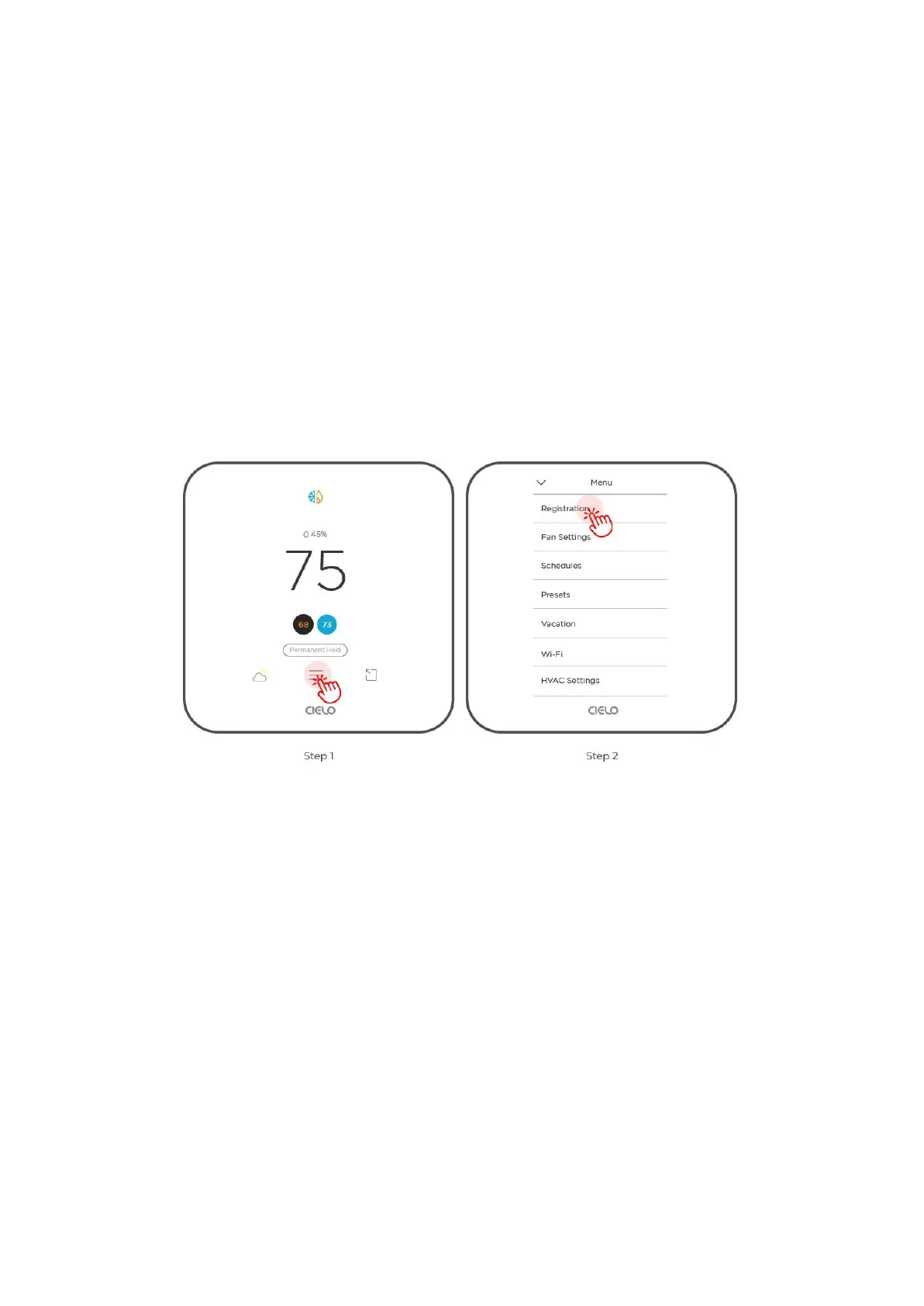
Step 1: On the thermostat, tap on the 'Menu' icon.
Step 2: Select 'Registration'.
Step 3: Tap on 'Get Registration Code'. You will be presented with a unique six-digit code
that will be valid for the next 30 minutes.



 To Next Page