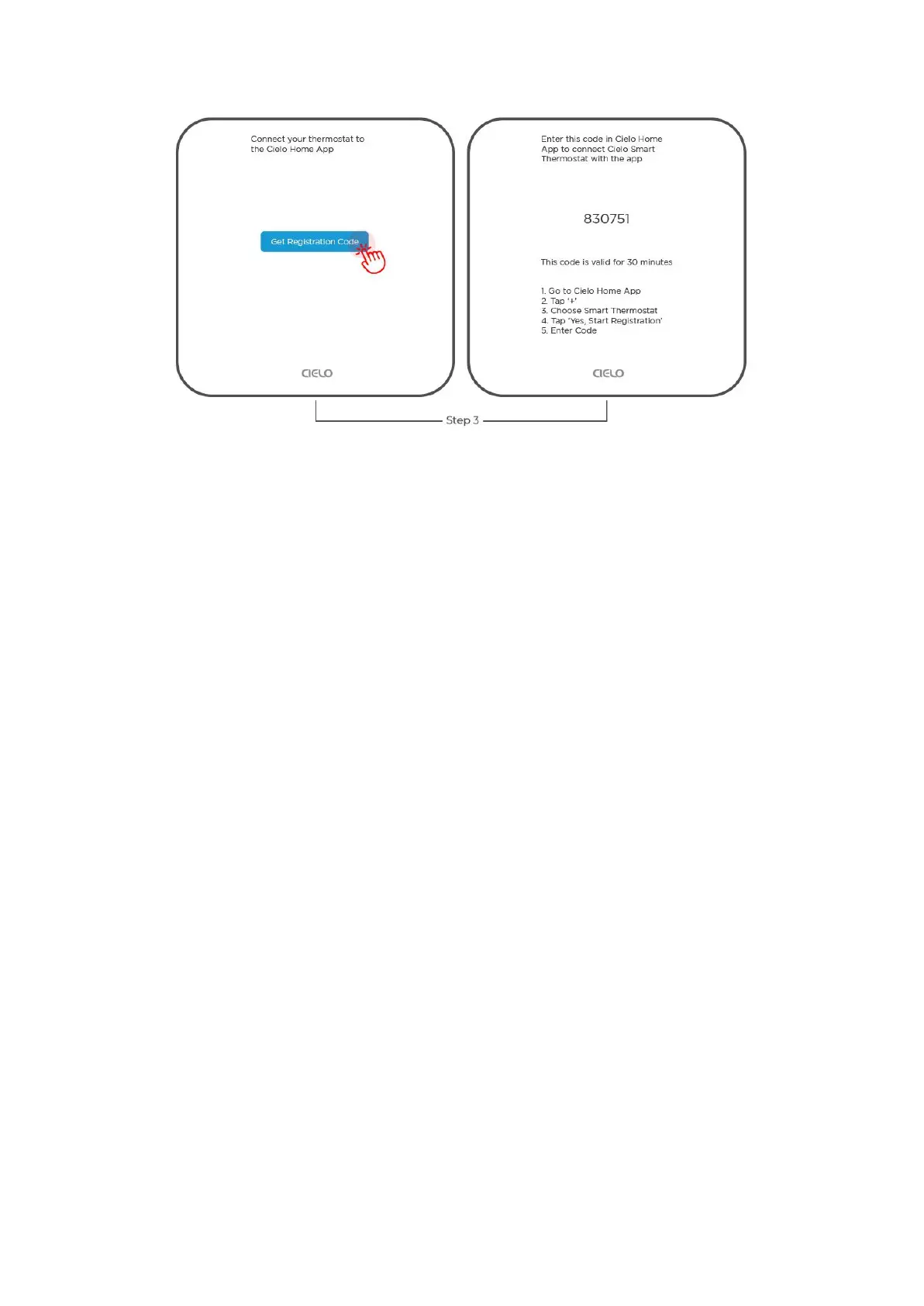
Step 4: Open the Cielo Home app, tap ‘Add Device' on the home screen, and select Smart
Thermostat from the list of devices.
Step 5: Tap on 'Start Registration', enter the six-digit code, and tap 'Next'.
You have successfully connected the Cielo Home app with the Cielo Smart Thermostat.
How Do I Change Mode on Cielo Smart Thermostat?
Changing the Mode on Device
Indicates your current thermostat settings (Heat/Cool/Auto/AUX/Off). Tap on the mode icon
and select your preferred mode.
Changing the Mode on Cielo Home App
Step 1: On the Control screen, tap on the 'Mode' icon.
Step 2: You can select your desired mode by tapping on it.


 To Next Page
 Loading...