When you complete the installation, follow this step to set the lock:
Ⅰ
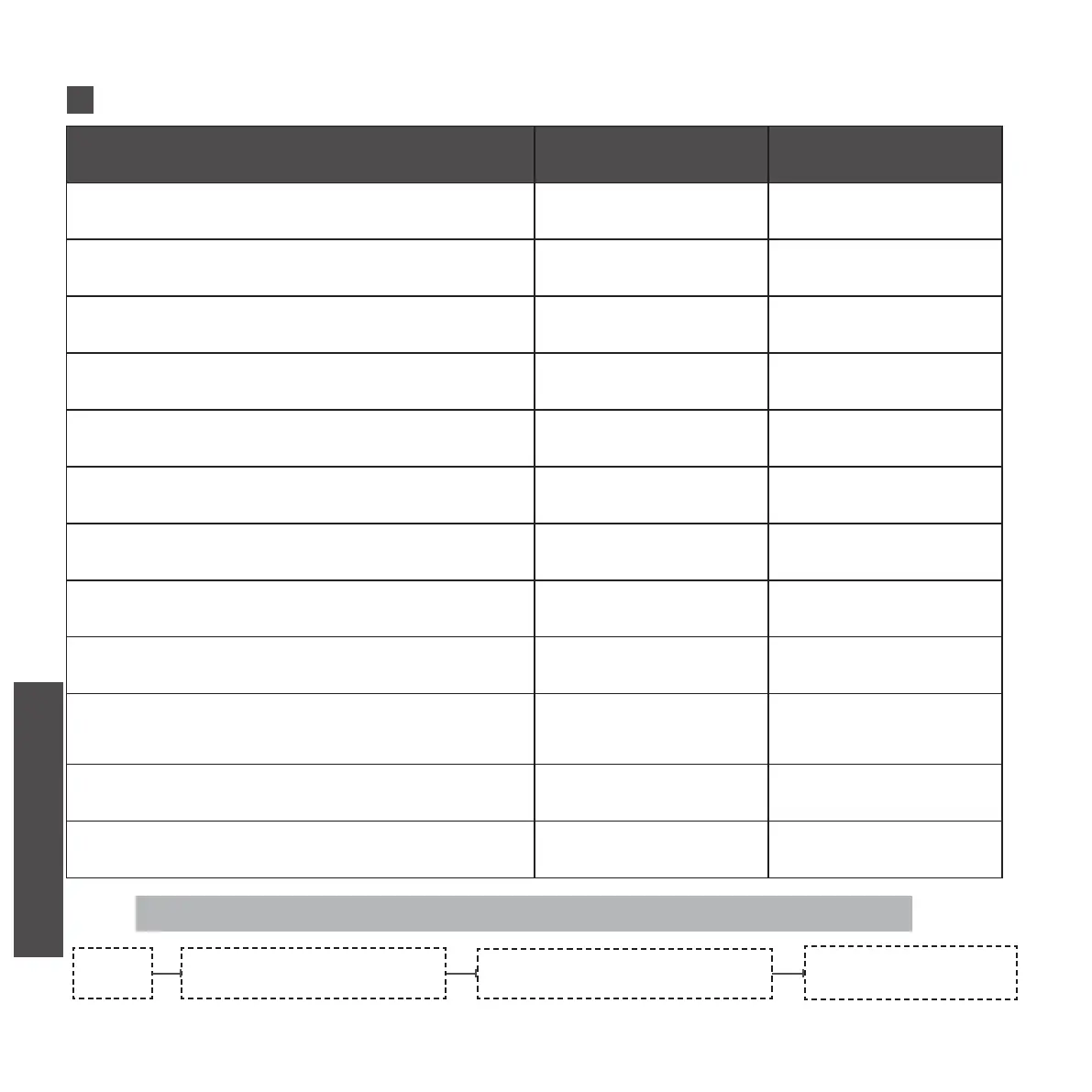
SYSTEM SIGNALS
Instruction operation
use cases Sound Light
Correct user code entered to unlock 3 short beeps Blue ashes
Successfully locked 3 short beeps Blue ashes
Incorrect user code entered 4 short beeps white ashing
Successful programming 2 short beeps None
Unsuccessful programming 4 short beeps white ashing
Verication is correct or programming ends
successfully
1 long beeps None
Low battery alarm 4 short beeps None
Factory mode restored successfully 5 short beeps with
1 long beeps
white ashing with
green ashes
5 incorrect user codes entered 4 long beeps None
Registration ngerprint
Every press of ngerprint 2 short beeps
Registration successful 1long beep
Registration failed 4 short beeps
Registration process blue ashes
Registration successful green ashes
Registration failed red ashes
Correct ngerprint unlock 3 short beeps green ashes
Incorrect ngerprint unlock 4 short beeps red ashes
TEST SYSTEM RESETTING
ADD ADMIN CODE
ADD GENERAL
USER’S CODES
CHECK AND PREPARATION
INSTALLTION STEPS
INSTRUCTION OPERATION


 To Next Page
 Loading...