Operating Modes
Auto Self-leveling Mode
· To switch on the m easuring tool, slide Lock Switch to " " position.
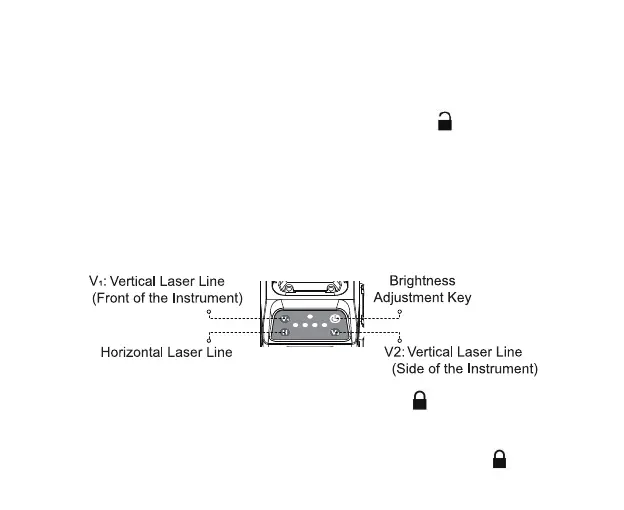
· Immediately after switching on, the measuring tool sends out 1 horizontal
beam and 2 vertical beams with automatic leveling range of ±4º. Once the
leveling is finished, the laser beams won’t fl ash anymore, the indicator glows
green. Shortly press the corresponding button to control the laser beams:
· To turn off the measuring tool, slide lock switch to "
" position.
NOTE: When moving or storing the level, please keep the slide switch in the " " position.



 To Next Page