Using the LED Bracelets
LED Bracelet Setup
The LED bracelets come with batteries already installed.
To activate the LED bracelets, remove the plastic tabs sticking out of the sides of the
battery units.
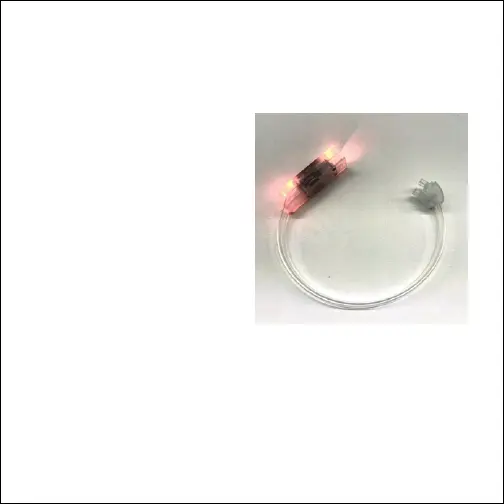
Opening/Closing the Bracelet
• To open the bracelet, pull apart at the
clasp near the top of the bracelet. See
photo at right.
• To close the bracelet, line the clasp up,
and push closed.
Powering ON/OFF
• Press the button on the side of the
bracelet’s battery pack to power the
LED lights ON.
• Press the button additional times to
ip through the dierent LED light
colors and modes.
• Press and hold the button to power the LED lights OFF.
Note: You MUST remove the plastic tab to activate the batteries before the LED lights
will work. If the lights are not working, check to make sure you have pulled out the tab.



 To Next Page