Garmin Perspective Screens: The Garmin screens
have a special non-reflective coating which will be
damaged if cleaned with anything other than a very
slightly water-dampened, soft, clean micro-fiber
cloth.
Using ANY chemicals will DESTROY the screen coating and this is item is NOT
covered under warranty.
NEVER USE ANY CHEMICALS ON THE SCREENS!
If you need to point out something on a screen we recommend using either the end of a
pencil or pen with the nib retracted or the tip of your nail with your finger reversed.
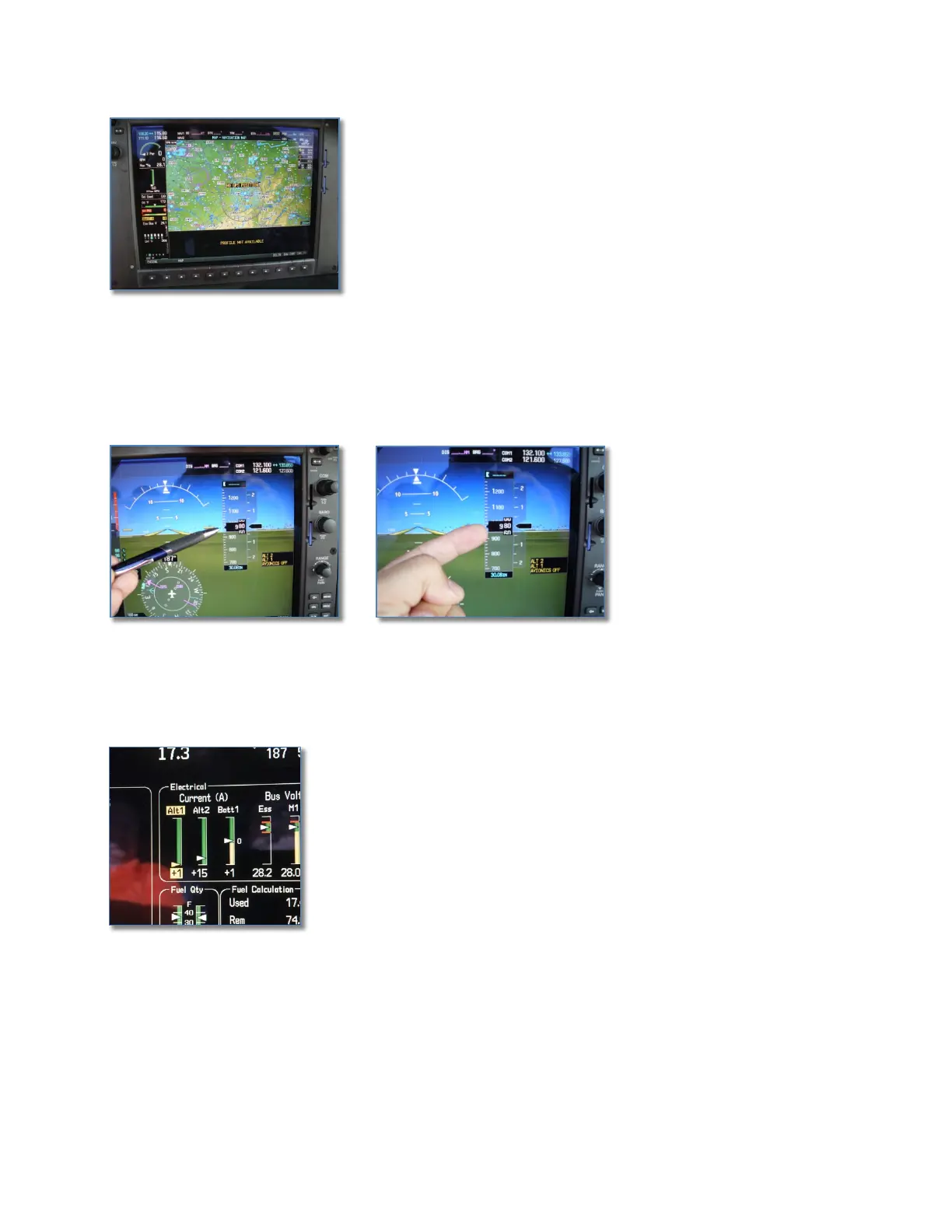
Alternator #1 Load. You may noticve the “Alt 1”
amp level drop to 1 or 2 amps. This is normal if the
air conditioiing is off and no cause for alarm. Alt #1
powers only the A/C, the yaw damper & landing light,
and it recharges Bat 1 after a start. The power draw
from the yaw damper and the landing light are so
insignificant that you’ll see this very low charge if
flying with the A/C off. To check that Alt #1 is OK,
just turn on the A/C and watch the amps increase.


 To Next Page
 Loading...