2-7
Cisco 7600 Series Router SIP, SSC, and SPA Hardware Installation Guide
OL-5052-14
Chapter 2 Overview: Cisco 7600 Series SIPs
Cisco 7600 SIP-200 Overview
Cisco 7600 SIP-200 Memory Options
The following table lists the memory available for the Cisco 7600 SIP-200:
Note The SIP DIMMs must be a matched set. A warning message appears on the console if the DIMMs on the
SIP are different sizes. If the sizes are not the same, the following message appears at bootup/OIR:
C7600_SIP200-3-MEM_MODULE_MISMATCH: Memory modules are not identical
Cisco 7600 SIP-200 Memory Installation and Removal
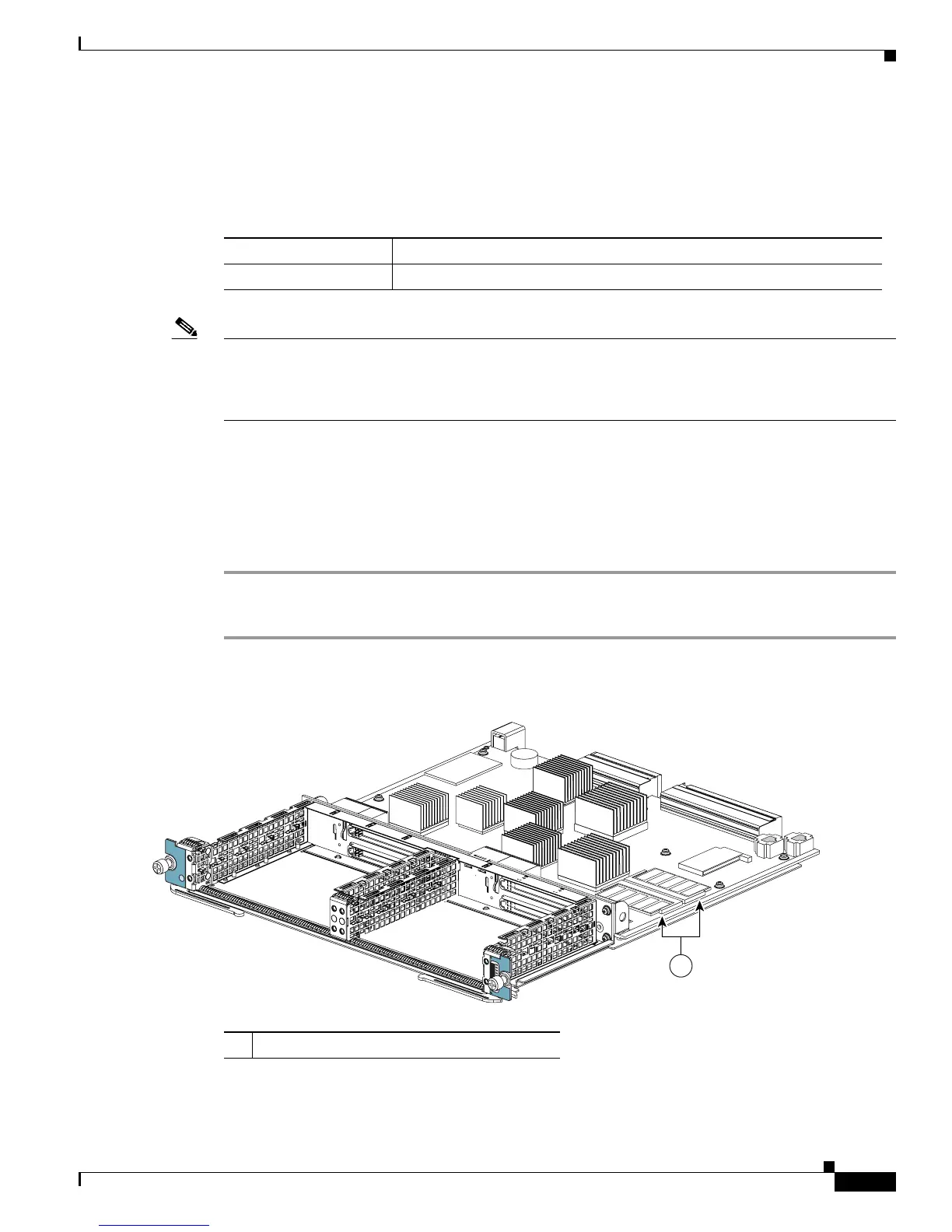
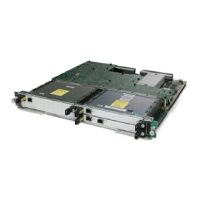
Figure 2-5 shows the location of the DIMMs on a Cisco 7600 SIP-200. Perform the following procedure
to install and remove a DIMM:
To install a DIMM, slide the DIMM into the slot. The retaining clips secure the DIMM in place.
Step 1 To remove a DIMM, separate the two retaining clips.
Step 2 Pull the DIMM from the slot.
Figure 2-5 SIP DIMM Location
Table 2-5 SIP Memory Options
SIP Memory Options
Cisco 7600 SIP-200 512 MB and 1 GB (2 x 256-MB or 2 x 512-MB DIMMs)
1 DIMMs
STATUS
2
0
MODULAR
SERVICES CARD
7
6
0
0
-M
S
C
-2
0
0
122390
1








 To Next Page