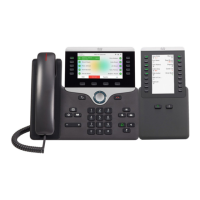
• If you are using Power Over Ethernet (PoE) to power your 7975 IP Phone, you will need a power
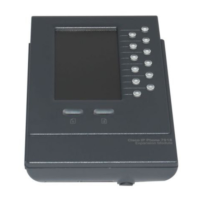
supply unit for your 7916 Key Expansion Module.
• If you are using a power supply to power your 7975 and only using one 7916 Key Expansion
Module, you do NOT need a power supply. If you are using two Key Expansion Modules, you will
need an additional power supply.
Removing the Footstand
Step 1 Unplug the network and power connections.
Step 2 Unplug the handset, and unplug the headset if one is attached to the phone.
Step 3 Turn the phone over and lay it on a protected flat surface to prevent it from being scratched.
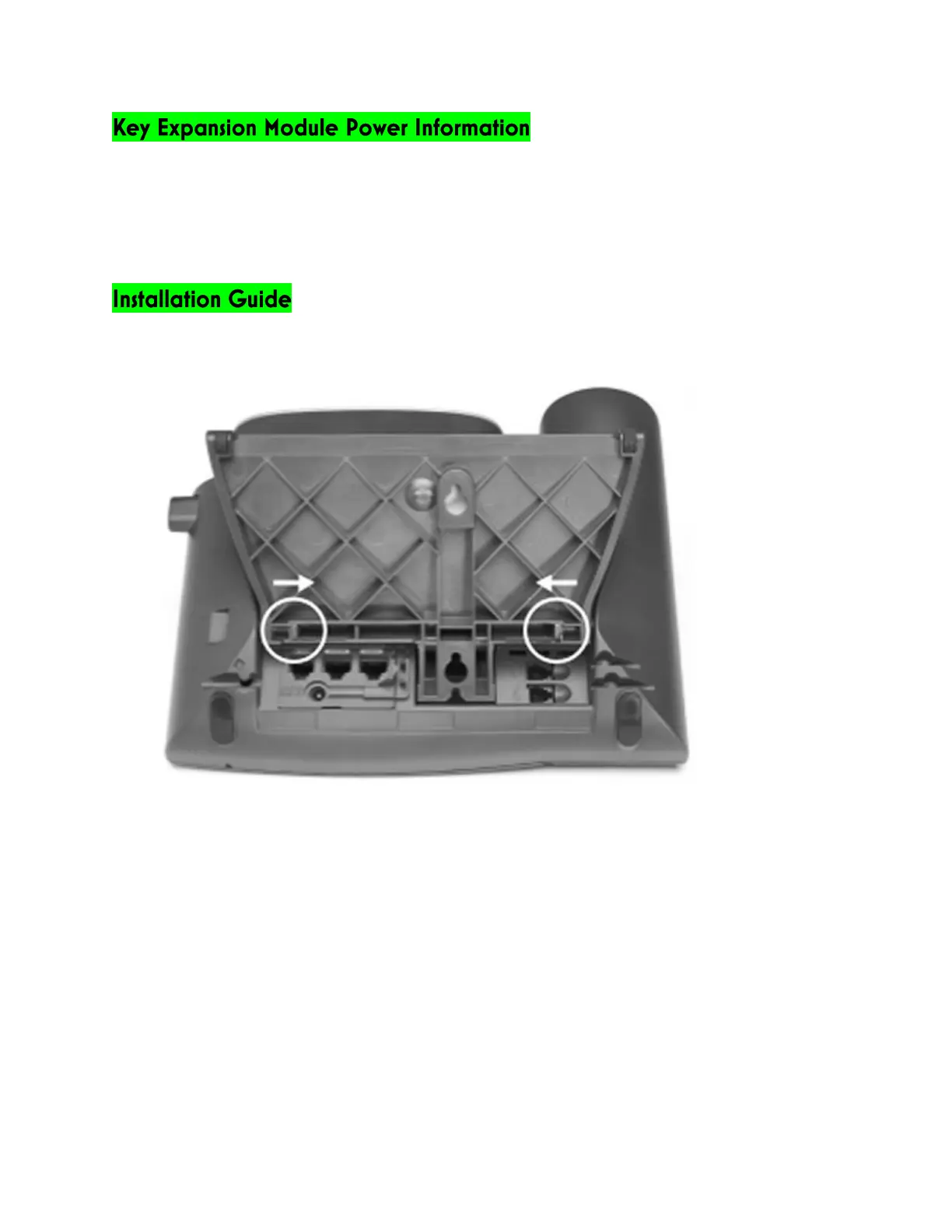
Step 4 Locate the two foot pins on the footstand.
Step 5 Use a flathead screw driver to carefully push on one of the foot pins to release it. Then carefully
push on the other foot pin to release it.
Step 6 Lift off the footstand and store it separately.


 To Next Page