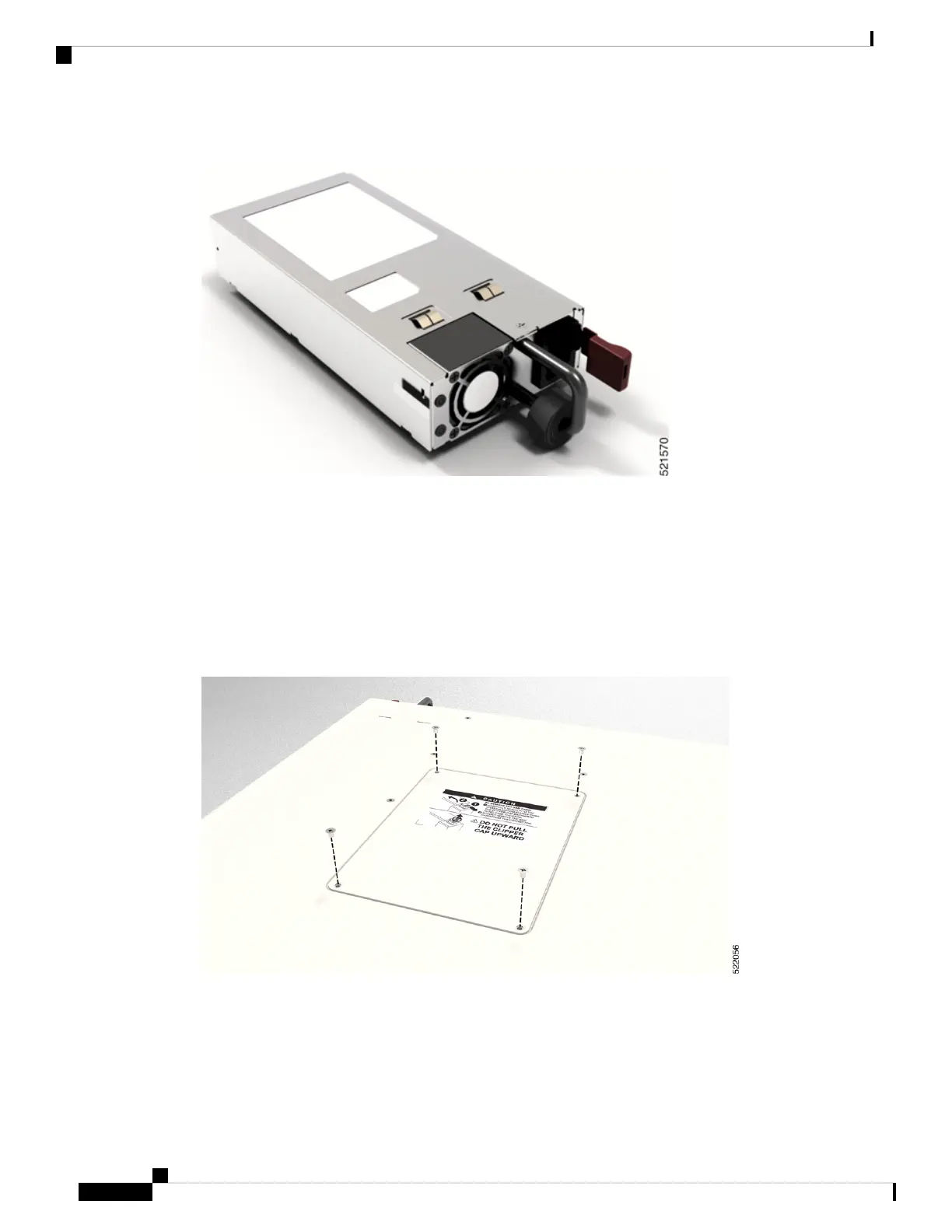
Figure 4: Power Supply Unit
SSD Card
The router has a removable Solid State Drive (SSD) card. We recommend to remove the SDD card before
shipping the hardware for a Return Merchandise Authorization (RMA) request. Removal of the SSD card
enforces customer data security while performing an RMA.
You can access the SSD card by using the hatch provided on the top panel. To remove the SSD card, follow
the instructions mentioned on the printed label on the hatch.
Figure 5: Remove the Hatch
Hardware Installation Guide for Cisco 8100 Series Routers
4
Cisco 8100 Series Routers Overview
Field Replaceable Units



 To Next Page