19
Cisco 10000 ESR AC Power Entry Module Installation
78-10832-01
Adding or Replacing an AC PEM
Troubleshooting the Installation
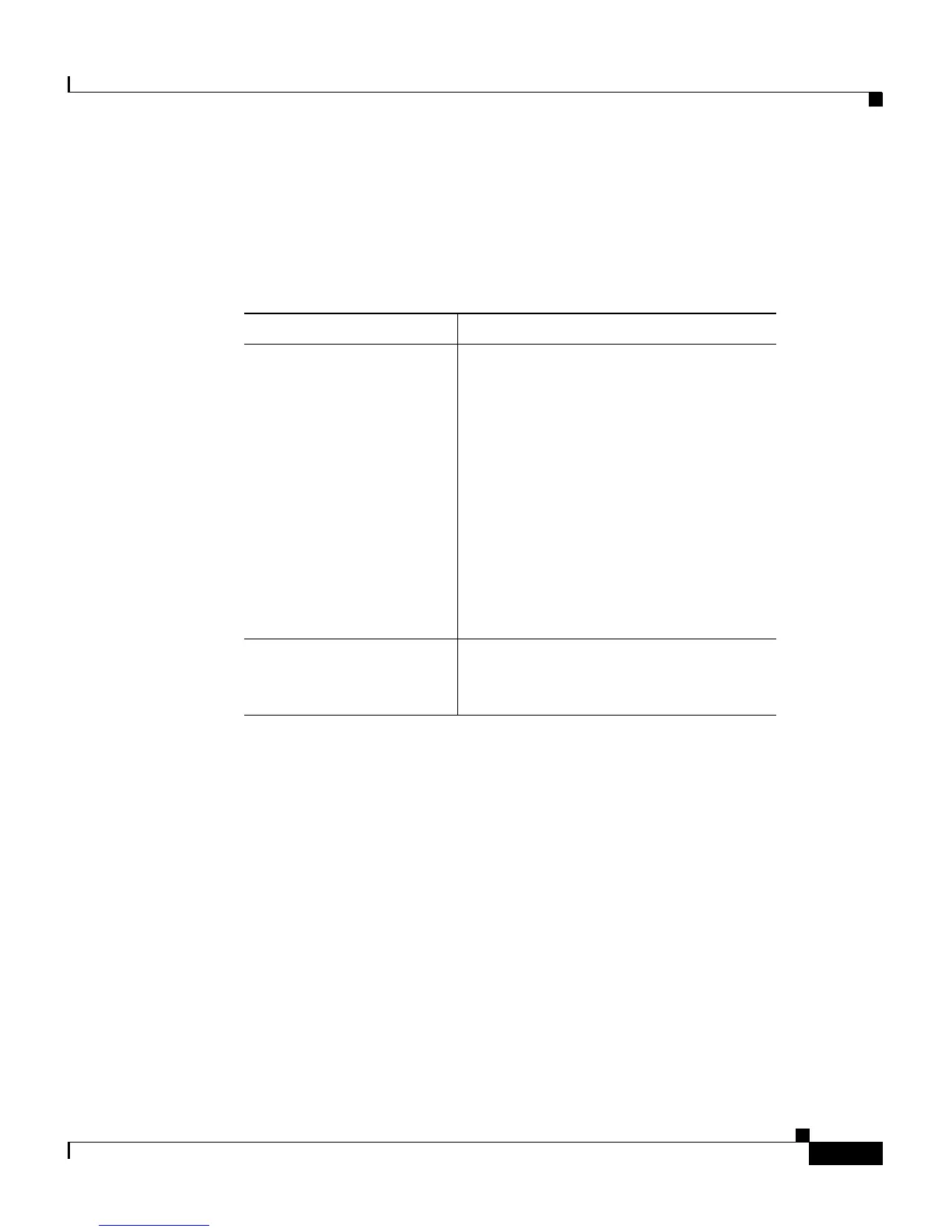
Table 1 contains troubleshooting information for the AC PEM:
Table 1 AC PEM Troubleshooting
Symptom Description
System fails to power on Check that:
• All AC power cords are properly
connected to the Cisco 10000 and
at the power connection end.
• The PEM power switches are in
the On position.
–
The AC PEM POWER LED
should be on (green).
• The blower module is fully
inserted and the FANS OK LED is
on (green).
AC PEM Fault LED is on
(yellow)
The PEM is not operating correctly
(see the Cisco 10000 ESR
Troubleshooting Guide).




 To Next Page