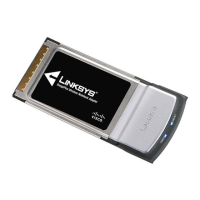
Setup for Windows XP WPC100
10 RangePlus Wireless Notebook Adapter
B. Press the Wi-Fi Protected
Setup button on the Router.
Within two minutes, click the
Wi-Fi Protected Setup button
on this screen.
C. The Adapter connects to the
network.
D. Click Print to print out your
wireless network settings. Then
click Finish.
Wi-Fi Protected Setup
Connecting to the Network
Congratulations


 To Next Page