Setup for Windows XPWPC100
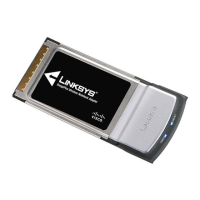
11RangePlus Wireless Notebook Adapter
E. The Status screen of the Wireless
Network Monitor appears the
first time you run the Setup
Wizard. To exit the Monitor, click
the X in the upper right corner.
NOTE: After the Adapter is installed, the Wireless Network
Monitor screen opens, and its icon appears in your computer’s
system tray. You can double-click the icon to open the Monitor
if you want to find available wireless networks or change the
Adapter’s configuration. For detailed information on the Monitor,
refer to the User Guide on the CD-ROM.
Congratulations! Setup is complete.
Connected to the Network


 To Next Page