Setup for Windows XP WPC100
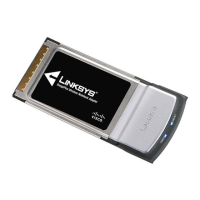
8 RangePlus Wireless Notebook Adapter
WPA-Personal Key Needed for Connection
1. Enter the Passphrase (also
called a pre-shared key) of your
wireless network. It must have
8-63 characters.
Click 2. Connect and go to step B.
WEP Key or Passphrase Needed for Connection
1. Enter the Passphrase or WEP
Key.
Passphrase The Passphrase
is case-sensitive and must
have 16 or fewer alphanumeric
characters.
WEP Key For 64-bit encryption,
enter 10 hexadecimal characters
(“0” to “9” and “A” to “F”). For
128-bit encryption, enter 26
hexadecimal characters.
Click 2. Connect and go to step B.
B. On the Congratulations screen,
click Finish.
WPA-Personal Key Needed for Connection
WEP Key or Passphrase Needed for
Connection
Congratulations


 To Next Page