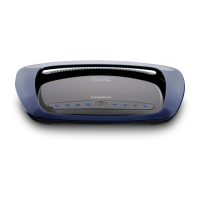
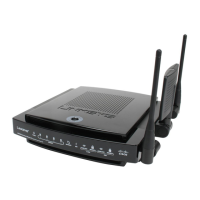
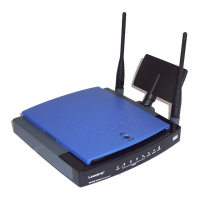
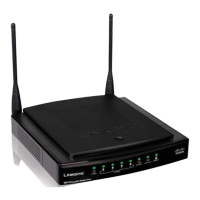
Wireless-G Broadband Router with SpeedBooster
List of Figures
Figure 3-1: The Router’s Back Panel 6
Figure 3-2: The Router’s Front Panel 7
Figure 4-1: Connecting Your Modem 8
Figure 4-2: Connecting Your Network Devices 9
Figure 4-3: Connecting the Power 9
Figure 4-4: Connecting the Router Behind Another 10
Figure 4-5: Diagram for Connection to Another Router 10
Figure 4-6: The Router with the Internet Connection is connected through the Internet Port 11
Figure 4-7: Connecting Your Network Devices 11
Figure 4-8: Connecting the Power 12
Figure 5-1: Setup Wizard’s Welcome - Language Selection Screen 13
Figure 5-2: Setup Wizard’s Welcome - Start Wizard Screen 13
Figure 5-3: Setup Wizard’s License Agreement Screen 14
Figure 5-4: Setup Wizard’s Disconnect the Modem from the PC Screen 14
Figure 5-5: Setup Wizard’s Connect the Modem to the Router Screen 15
Figure 5-6: Setup Wizard’s Connect a Network Cable to a PC Screen 15
Figure 5-7: Setup Wizard’s Connect the Network Cable to the Router Screen 16
Figure 5-8: Setup Wizard’s Power on the Router Screen 16
Figure 5-9: Setup Wizard’s Check the Router’s Status Screen 17
Figure 5-10: Setup Wizard’s Configure Cable or DHCP Settings Screen 17
Figure 5-11: Setup Wizard’s Configure DSL (PPPoE) Settings Screen 18
Figure 5-12: Setup Wizard’s Advanced Internet Settings - Static IP Screen 18
Figure 5-13: Setup Wizard’s Advanced Internet Settings - PPTP Screen 19
Figure 5-14: Setup Wizard’s Keep Alive/Connect on Demand (PPTP Continued) Screen 19
Figure 5-15: Setup Wizard’s Advanced Internet Settings - L2TP Screen 20
Figure 5-16: Setup Wizard’s Advanced Internet Settings - Telstra Screen 21
Figure 5-17: Setup Wizard’s Set the Router’s Password Screen 22
Figure 5-18: Setup Wizard’s Configure Wireless Settings Screen 22
Figure 5-19: Setup Wizard’s SecureEasySetup Screen 23
Figure 5-20: SecureEasySetup Logo 23


 To Next Page
 Loading...