© 2013 Cisco and/or its affiliates. All rights reserved. This document is Cisco Public.
Cisco Small Business Wireless Access Points
At-A-Glance
2
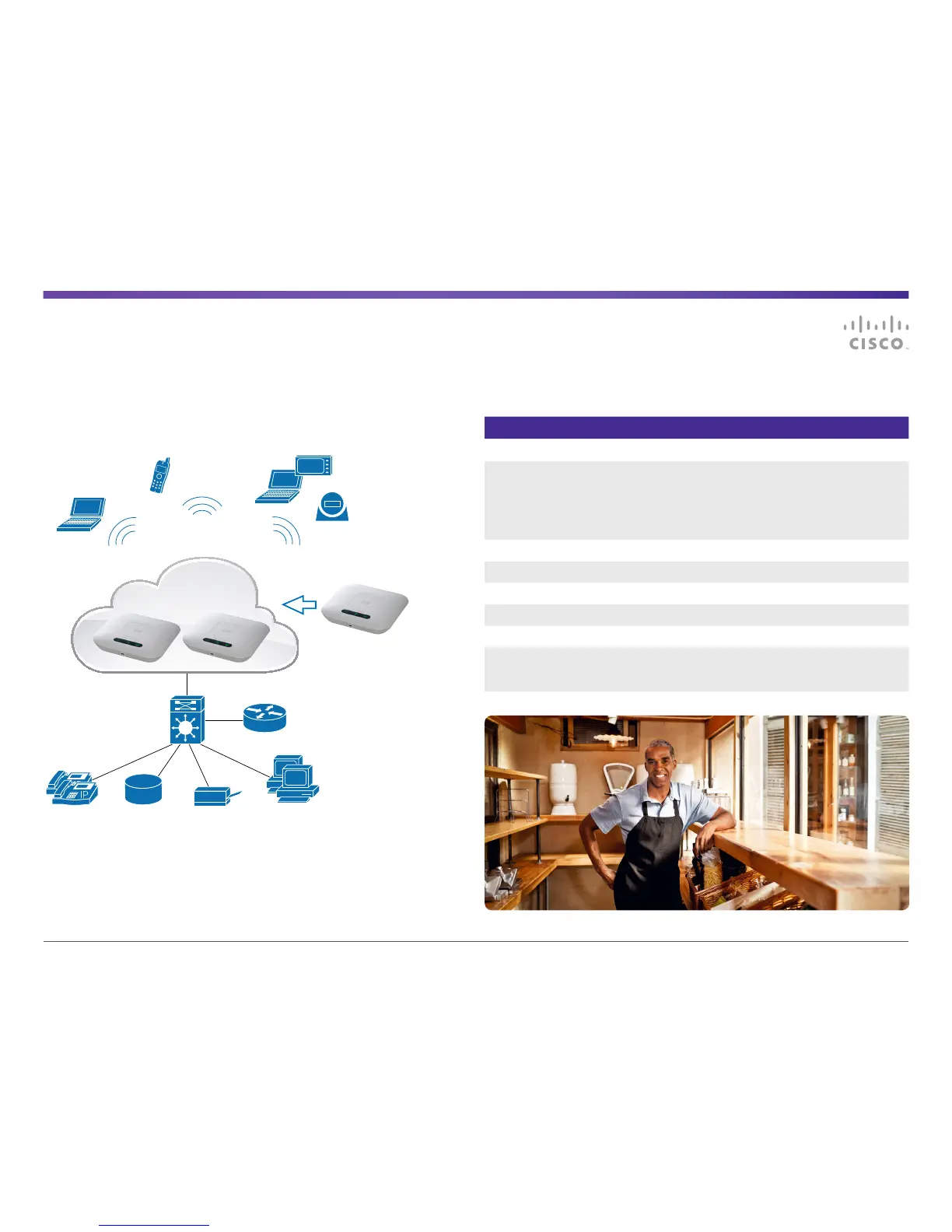
Figure 1 features Single Point Setup, device connectivity, and connection to wired
networkand devices.
Figure 1. Single Point Setup and Connection to Wired Network and Devices
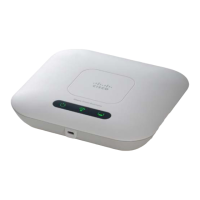
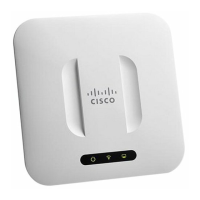
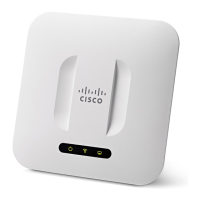
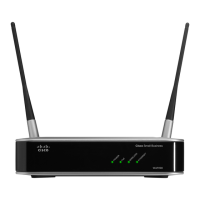
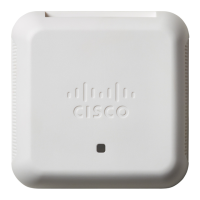
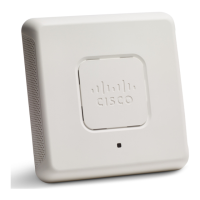
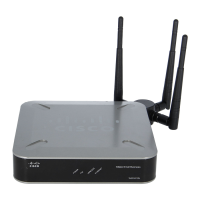
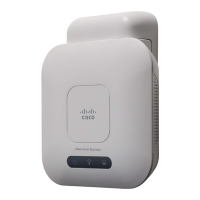
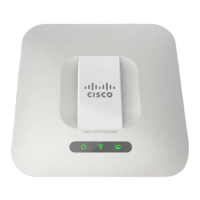
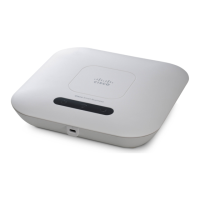
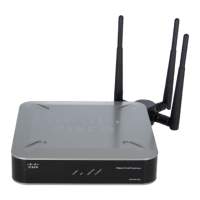
Table 1. Cisco WAP121, WAP321, WAP551, and WAP561 Feature Comparisons
Feature WAP121 WAP321 WAP551/561
Wi-Fi Standards (a/b/g/n) b/g/n a/b/g/n a/b/g/n
RF Band (2.4 GHz, 5 GHz,
orDual)
2.4 GHz 2.4 or 5 GHz WAP551:
Selectableradio band
(2.4 or 5GHz)
WAP561:
Dualconcurrent radios
(2.4 and 5 GHz)
MIMO Support 2x2:2 2x3:2 3x3:3
Maximum Active WLANClients 16 32 64 per radio
Number of SSID Supported 4 8 16
Ethernet Port Speed 10/100 10/100/1000 10/100/1000
Captive Portal No Yes Yes
Maximum Number of Access
Points Supported in a Single
Point Setup Group (Cluster)
4 8 16
Managed
PoE Switch
Router/Gateway
Customer
Data
Printer WorkstationsIP Phones
Single Point Setup allows
additional WAPs to join a
cluster as coverage, capacity,
and performance needs
evolve for the Wireless LAN
Data
SSID
Voice
SSID
Guest
SSID
Cluster of WAPs
Guest
WiFi
IP Phone




 To Next Page